
TV pairing
From phone to TV in seconds.
A short code sends your playlist to the TV. No cables, no account, and nothing to type with a remote.
- 1
Open Jetpack IPTV on your TV
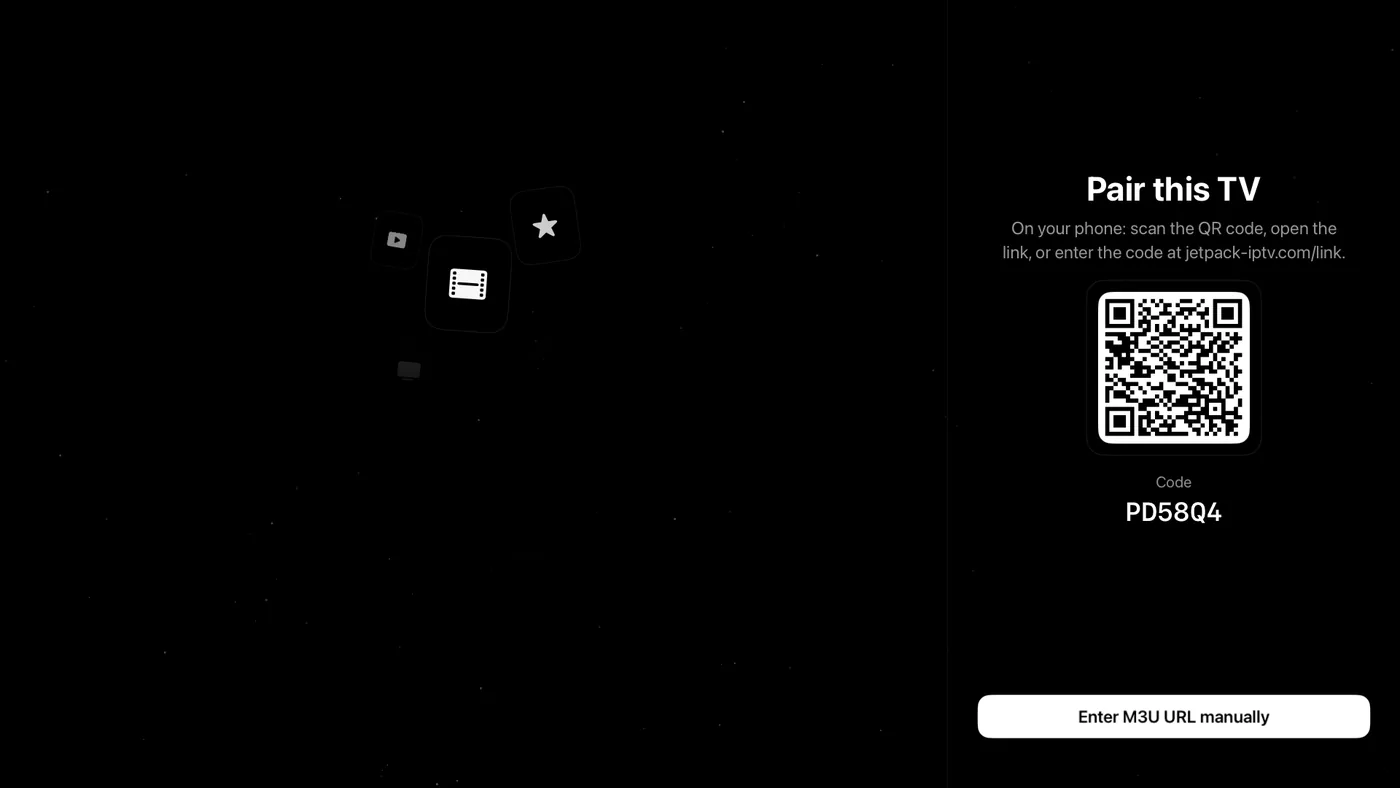
Choose Pair with phone. The TV shows a short code and a QR code.
- 2
Scan or enter the code
Scan the QR code with your phone, or open jetpack-iptv.com/link in any browser and type the code.
- 3
Send your playlist
Pick the playlist to send. The TV loads it and you are watching, with nothing typed on the remote.
Across platforms
Any phone, any TV
An Android phone can set up an Apple TV, and a browser can stand in for the phone. A TV you pair also uses your phone's Boost.
See every platform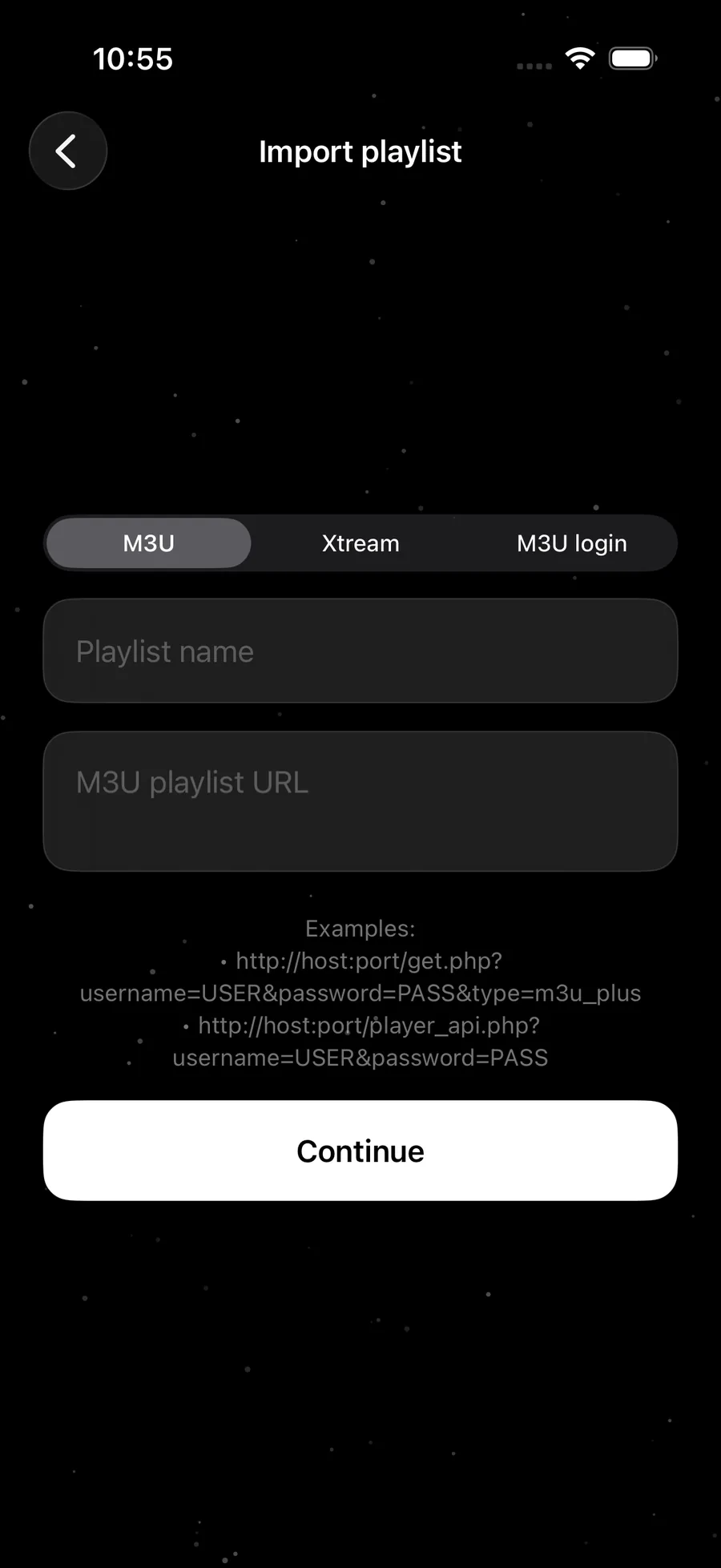
Questions & Answers
How do I add an IPTV playlist to my TV without typing?
Open Jetpack IPTV on the TV and choose Pair with phone. Scan the QR code with your phone, or go to jetpack-iptv.com/link and enter the code shown on the TV, then choose the playlist to send.
Can I pair an Apple TV from an Android phone?
Yes. Pairing runs through Jetpack's own pairing service, not through Apple or Google, so any phone can set up any TV. A web browser works too.
Is it safe to send my playlist this way?
Your playlist details go through Jetpack's pairing server and are delivered only to the TV that started that pairing session. The code expires shortly after it appears, and each code works once.
Do I need a Jetpack account?
No. Pairing works without signing in. If the phone is signed in, the TV joins the same account, which is how a paired TV also uses your phone's Boost.
Can I set up the TV without a phone?
Yes. On the TV, choose to enter your playlist manually and type the M3U link or your Xtream Codes details with the remote.
Important note
Jetpack IPTV is a media player only. It does not provide or sell any content or TV channels. To use it, you add your own legal M3U or Xtream Codes playlist.
Get started with Jetpack IPTV.
Free to download. Bring your own M3U or Xtream Codes playlist.