
Android TV
The IPTV player for Android TV.
A full program guide built for the remote, on Android TV and Google TV. Send your playlist from your phone in seconds.

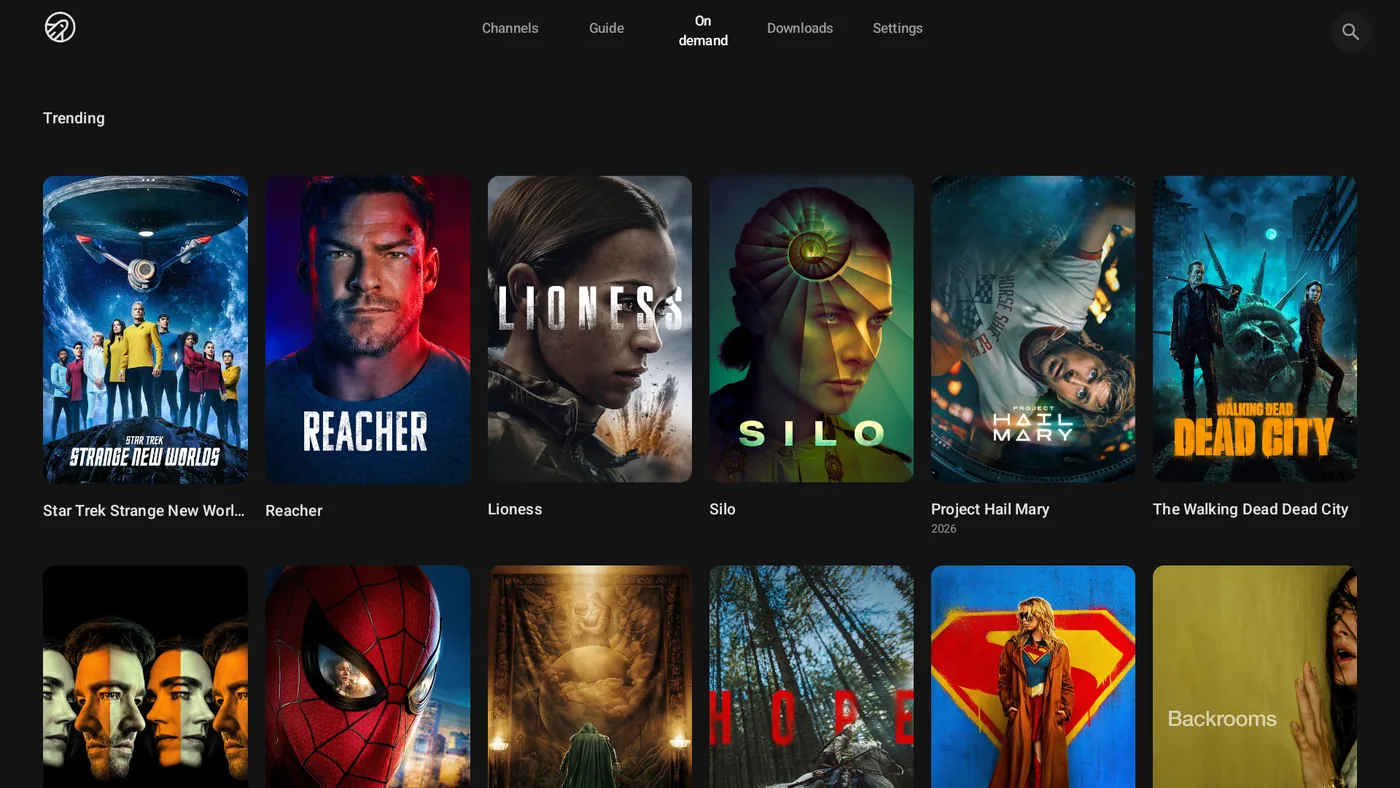
Built for Android TV
What Jetpack IPTV does on Android TV. Features marked Boost need a Boost subscription.
-
No typing with the remote
Send your playlist from any phone with a short code or QR code.
Learn more -
Program guide
What's on now and next, built for D-pad navigation.
Learn more -
Live channel preview
The highlighted channel plays live behind its artwork.
-
Catch-up Boost
Scrub back into earlier programs when your provider keeps an archive.
Learn more -
Recordings Boost
Schedule recordings from the guide on the TV itself.
Learn more -
Audio and subtitles Boost
Preferred languages, plus subtitle size, color and background.
Screens
Swipe or drag to look around.
-
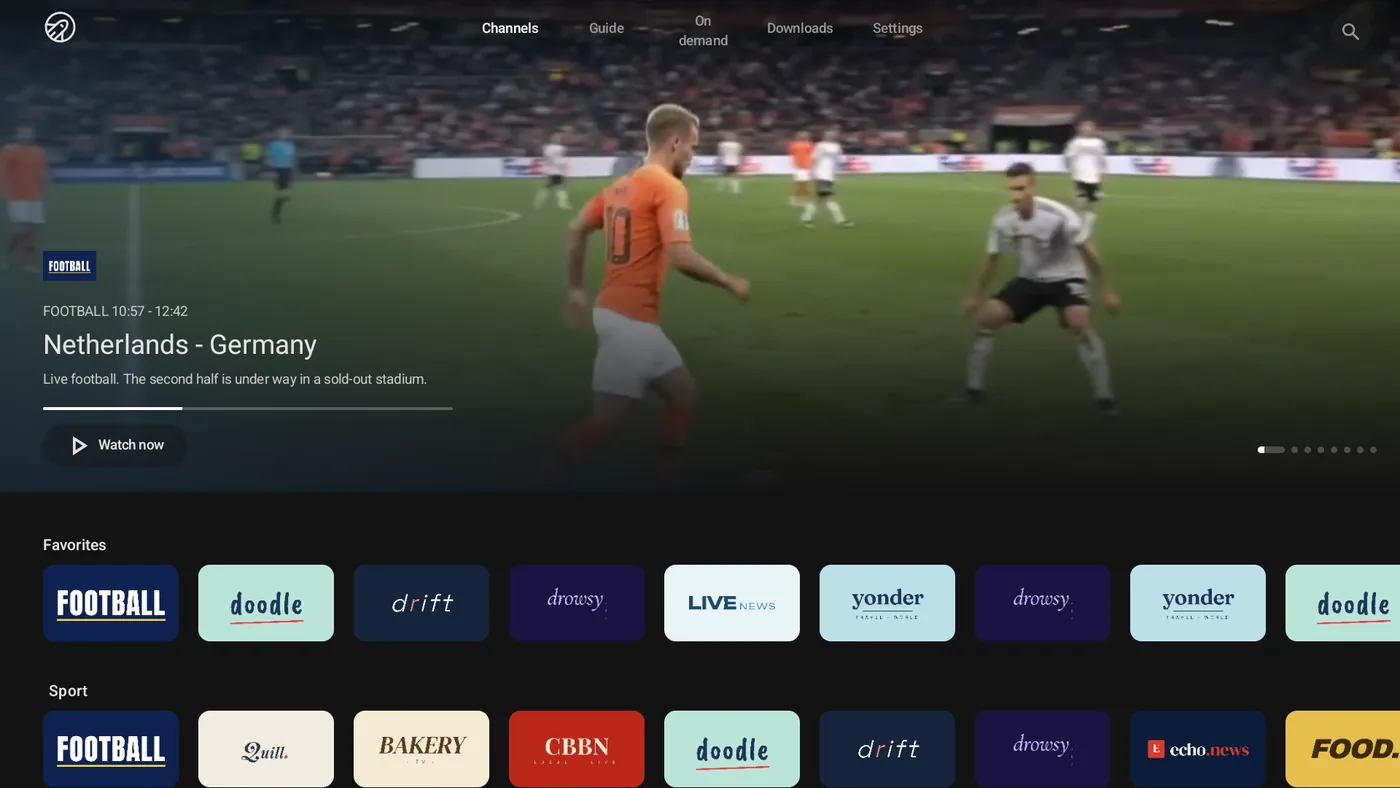
Channels
-
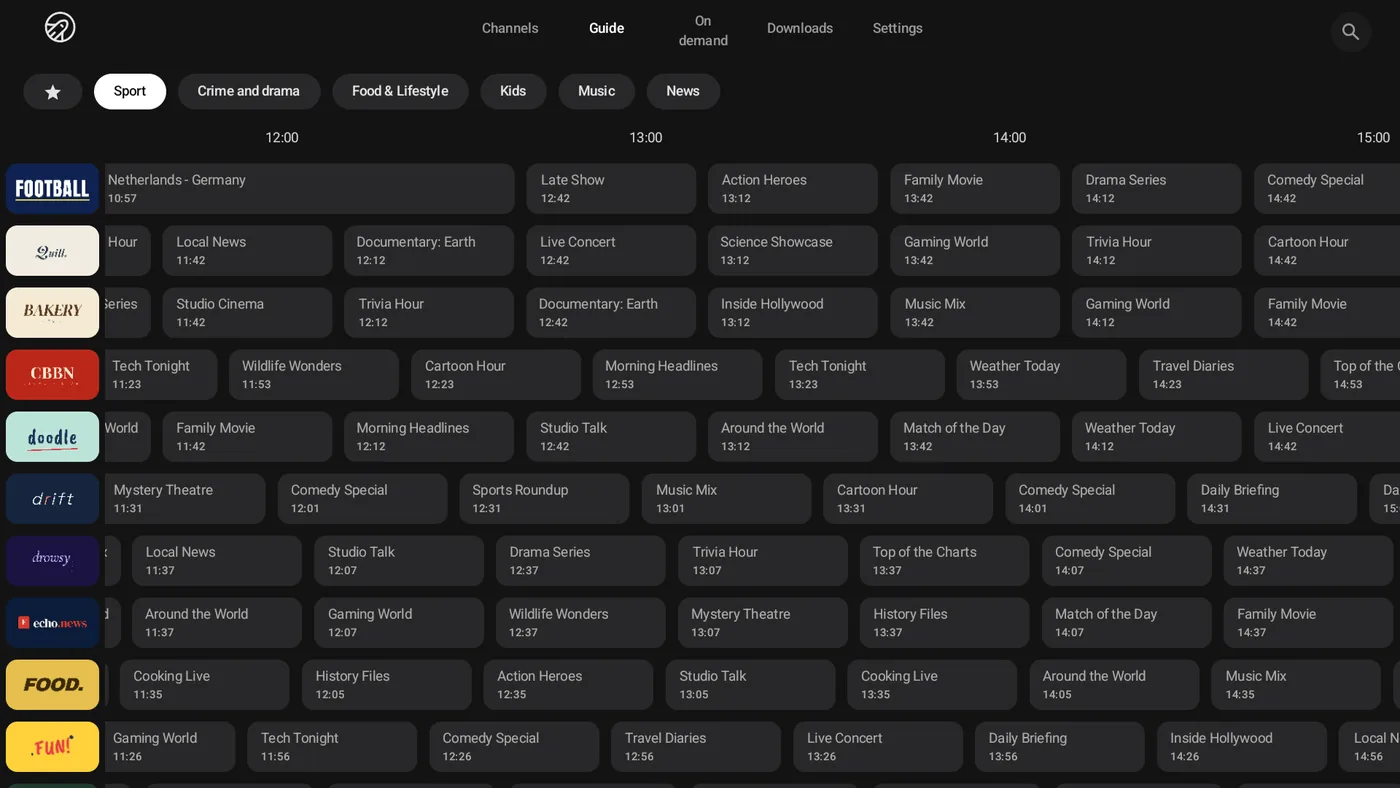
Program guide
-
Movies & series
-
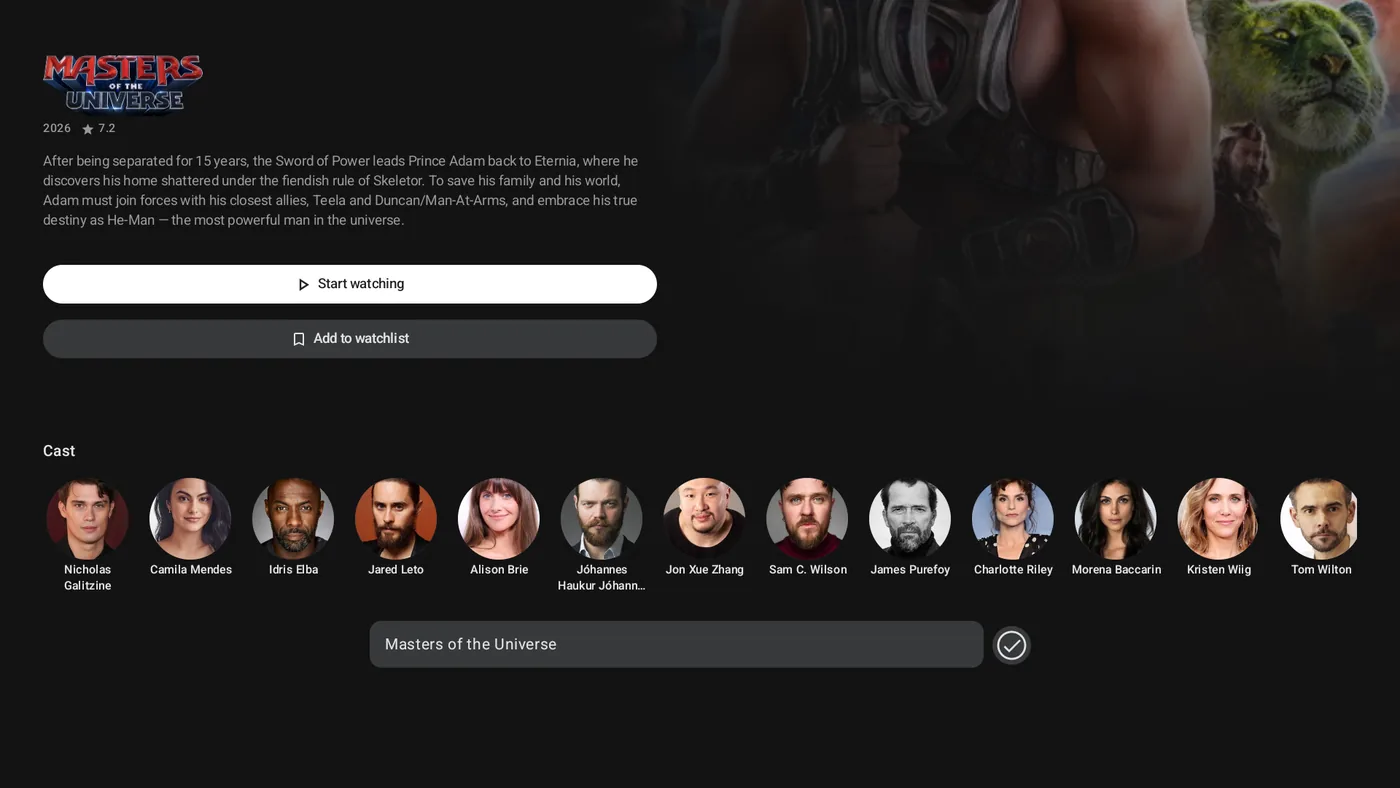
Movie detail
-
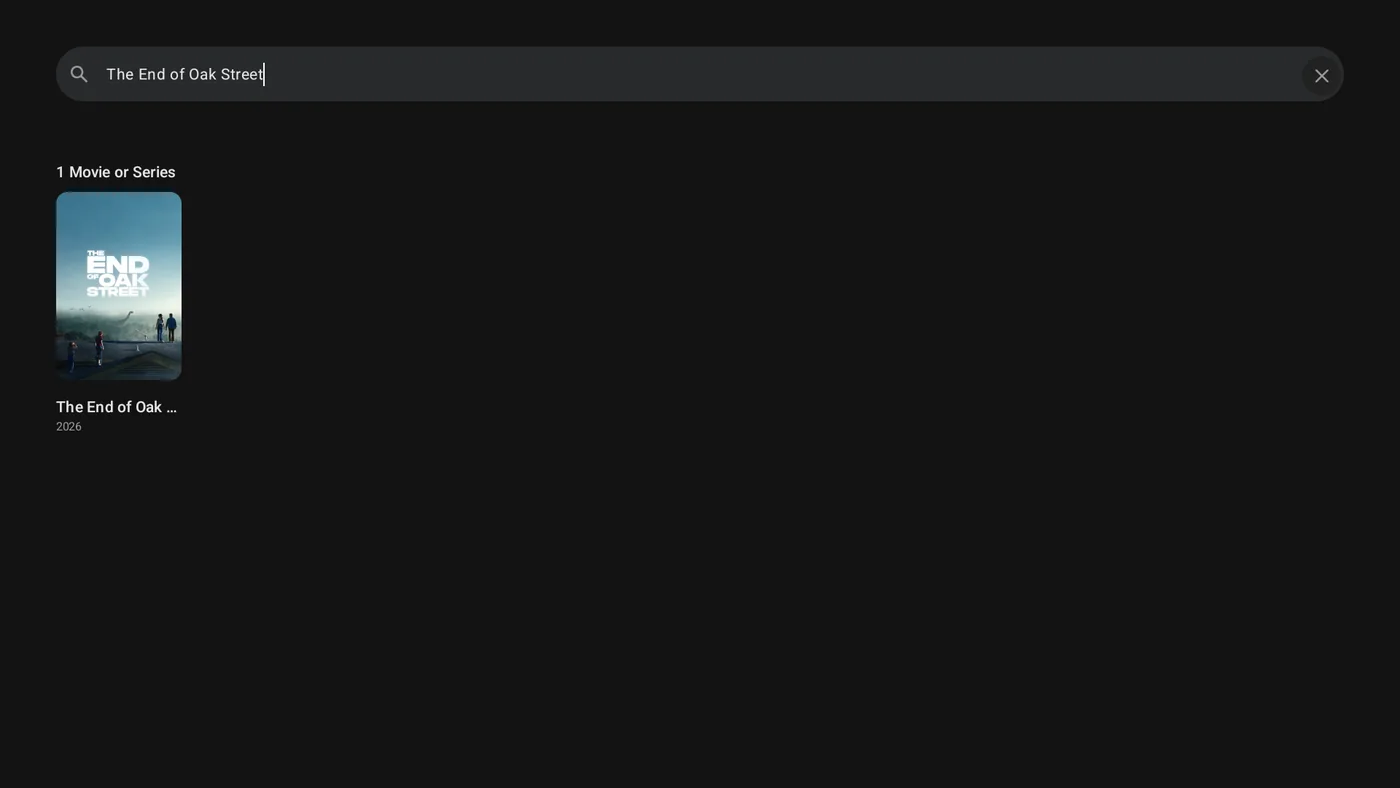
Search
-
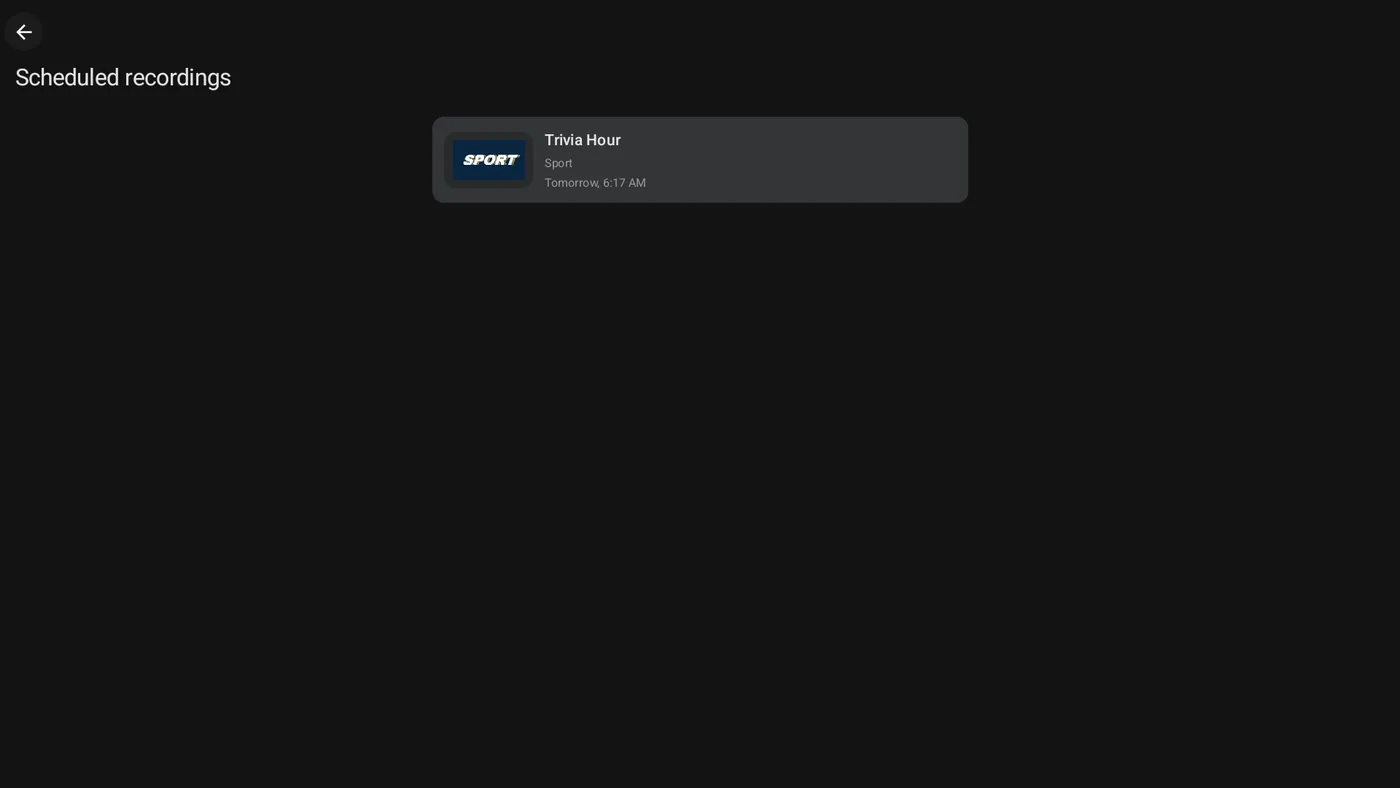
Recordings
-

Player
Also on
Questions & Answers
Does Jetpack IPTV work on Google TV?
Yes. Google TV devices run Android TV, so Jetpack IPTV installs from Google Play and works with the remote.
Is Jetpack IPTV on Amazon Fire TV?
Not yet. The app is on Google Play for Android TV and Google TV devices, and on the App Store for Apple TV.
How do I get my playlist onto the TV?
Choose Pair with phone on the TV, then scan the QR code or enter the code at jetpack-iptv.com/link on your phone. You can also type the details with the remote.
Does Jetpack IPTV come with channels?
No. Jetpack IPTV is a player only. You add your own M3U or Xtream Codes playlist from a provider you already use, and the app plays what that playlist contains.
Get Jetpack IPTV for Android TV.
Free to download. Bring your own M3U or Xtream Codes playlist.