

Apple TV
The IPTV player for Apple TV.
A full program guide on the big screen, and a playlist you send from your phone instead of typing it with the remote.

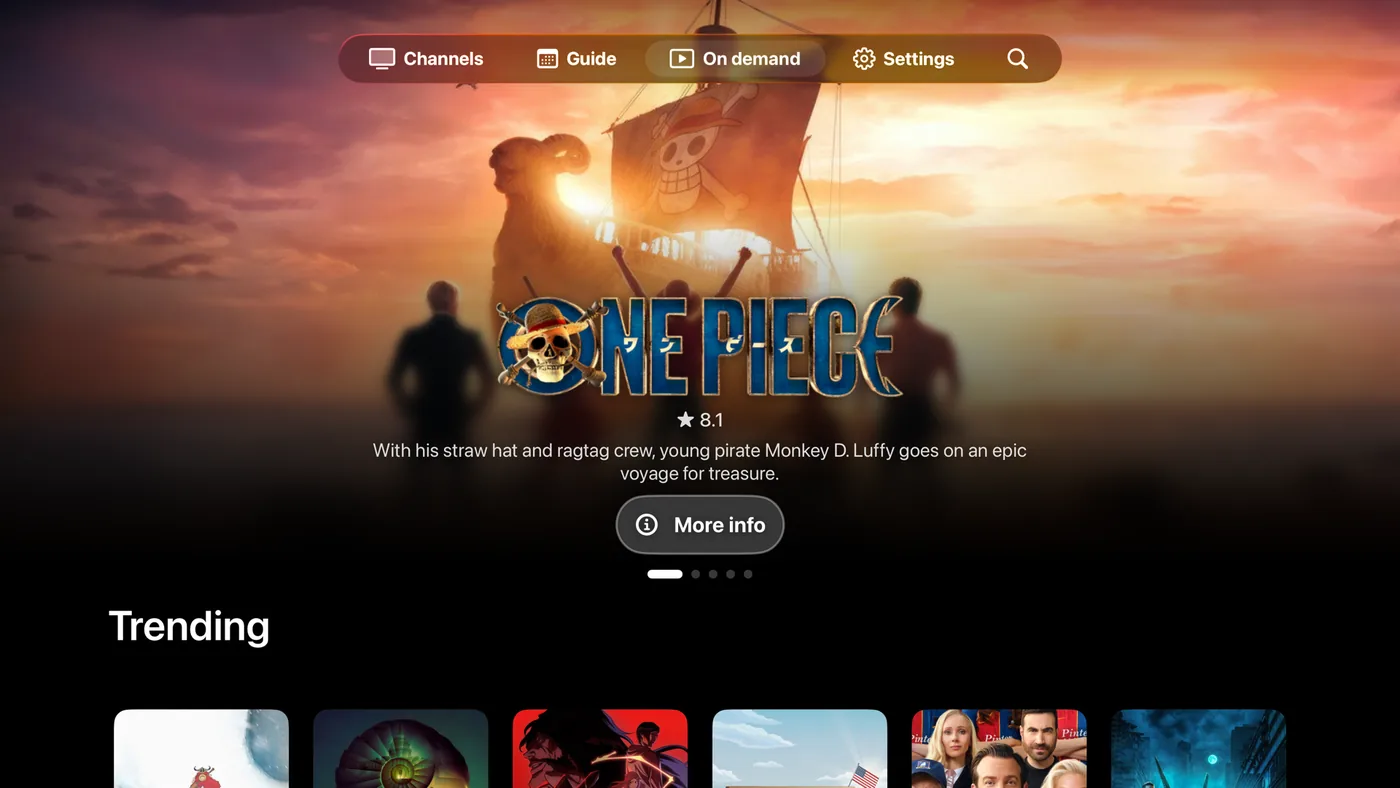
Built for Apple TV
What Jetpack IPTV does on Apple TV. Features marked Boost need a Boost subscription.
-
No typing with the remote
Send your playlist from any phone with a short code or QR code.
Learn more -
Program guide
What's on now and next across every channel, built for the Siri Remote.
Learn more -
Live channel preview
The highlighted channel plays live behind its artwork.
-
Siri
Search, play a channel or resume by voice.
-
Catch-up Boost
Scrub back into earlier programs when your provider keeps an archive.
Learn more -
Recordings Boost
Schedule recordings from the guide, right on your Apple TV.
Learn more -
Audio and subtitles Boost
Preferred languages, plus subtitle size, color and background.
Screens
Swipe or drag to look around.
-
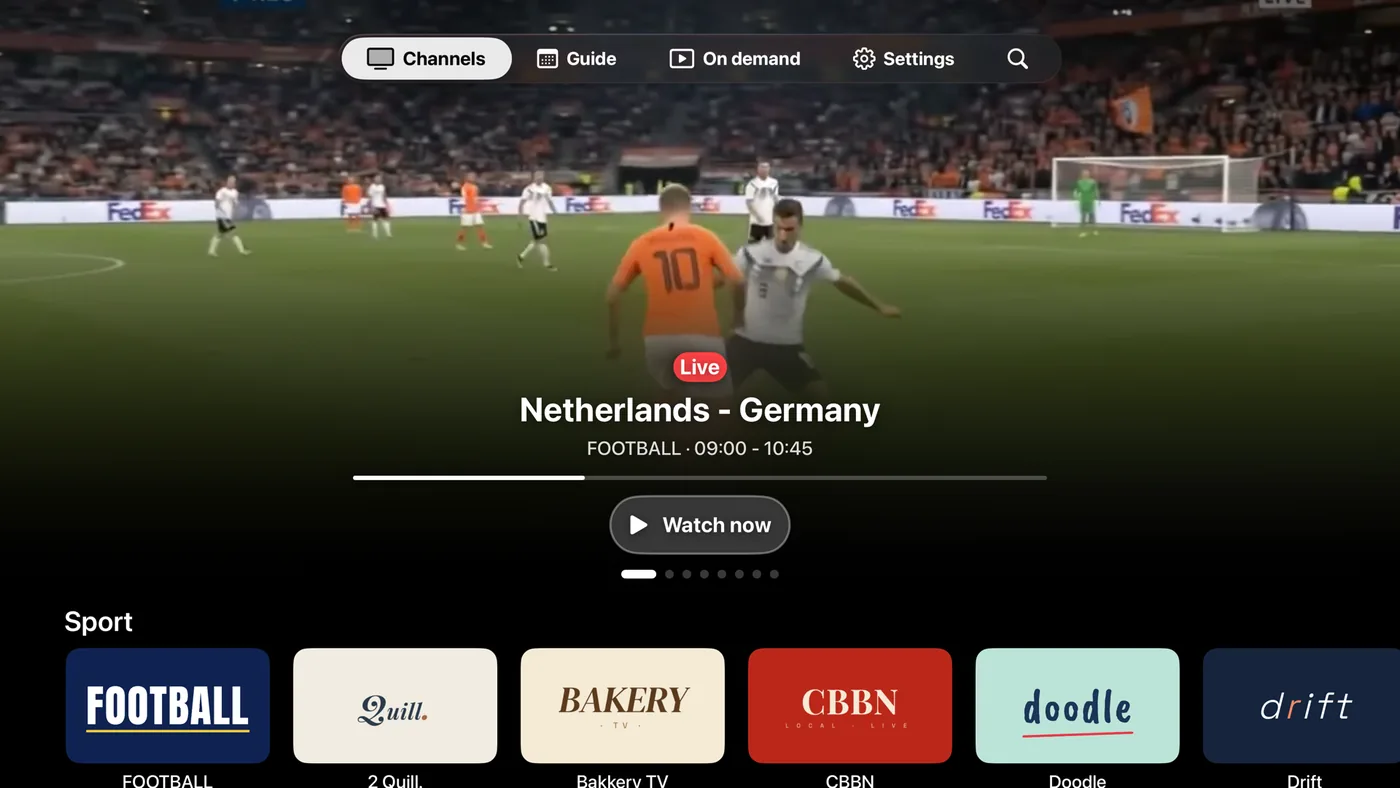
Channels
-
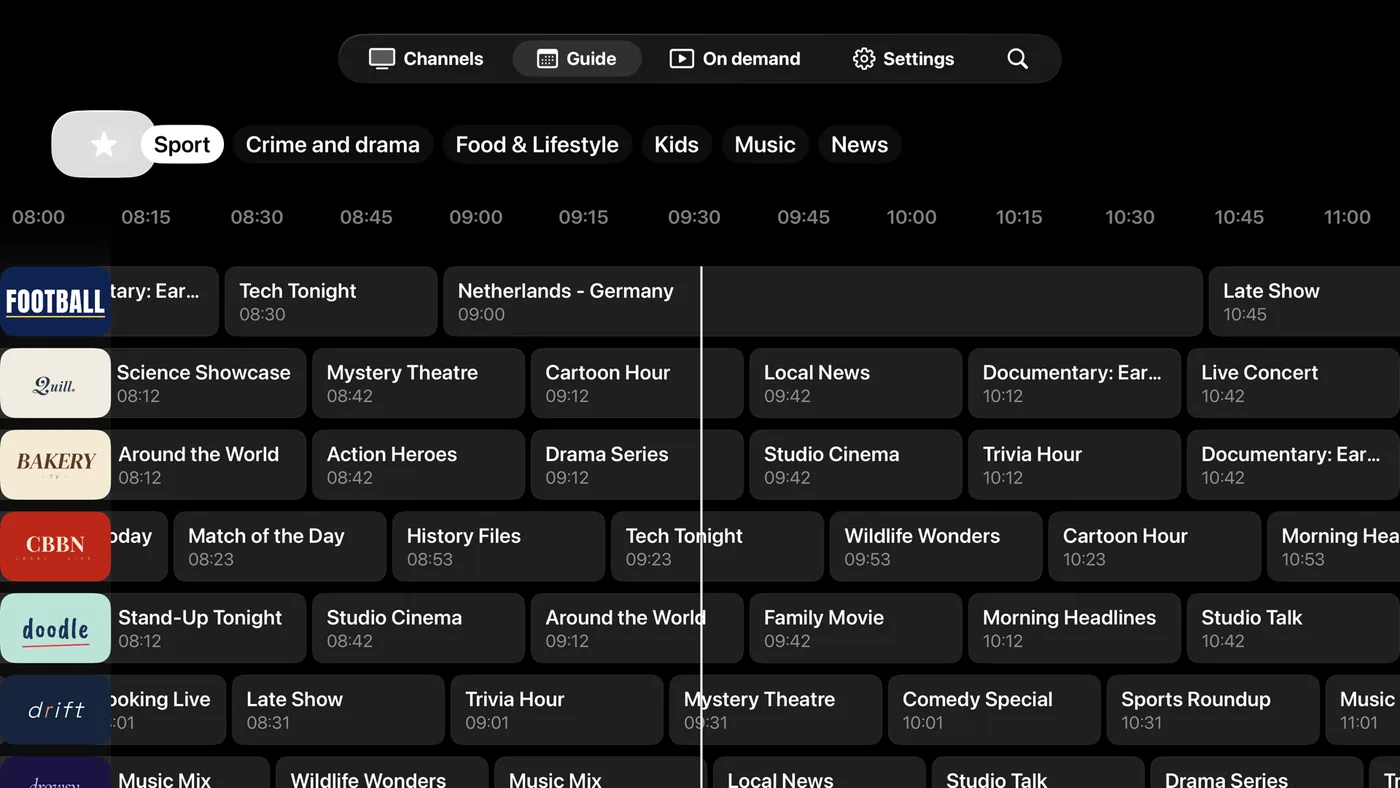
Program guide
-
Movies & series
-
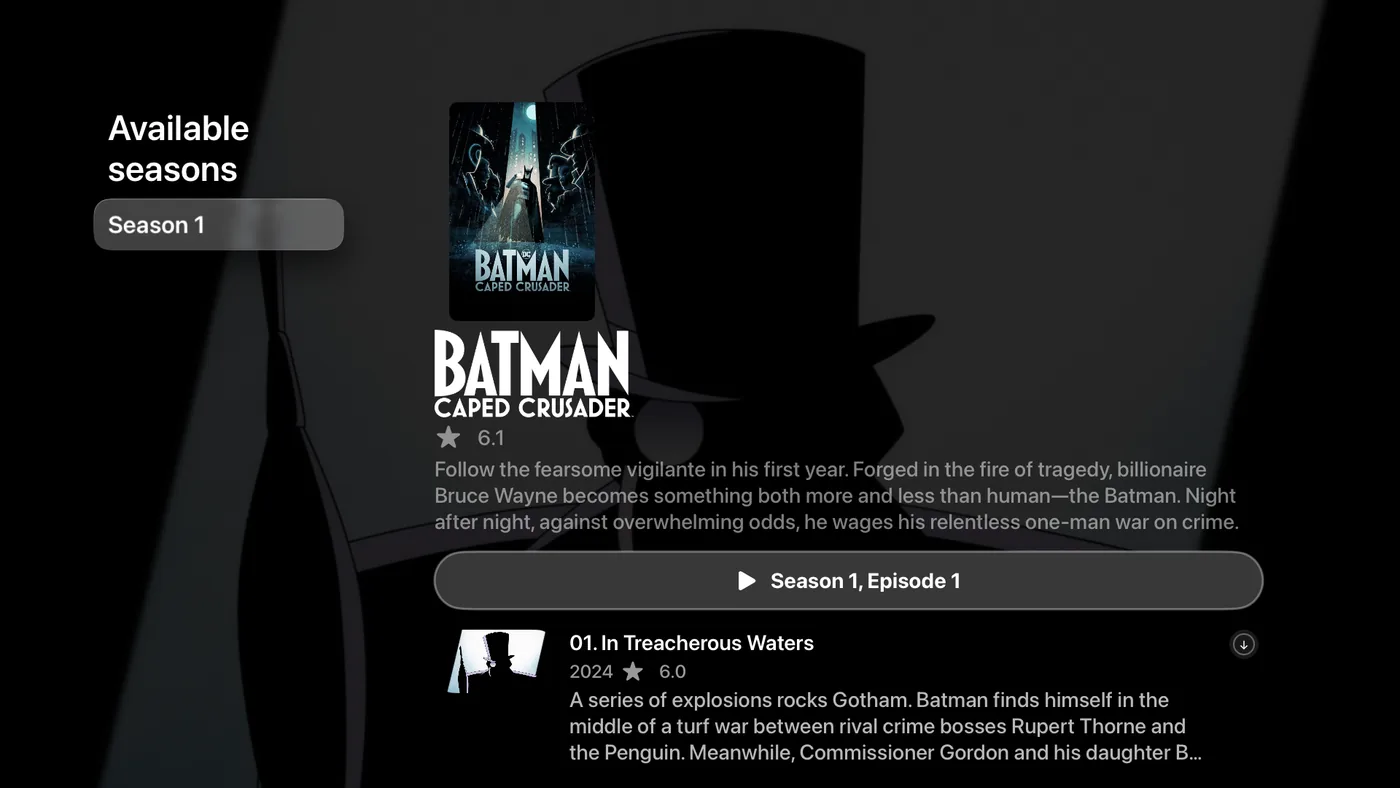
Movie detail
-
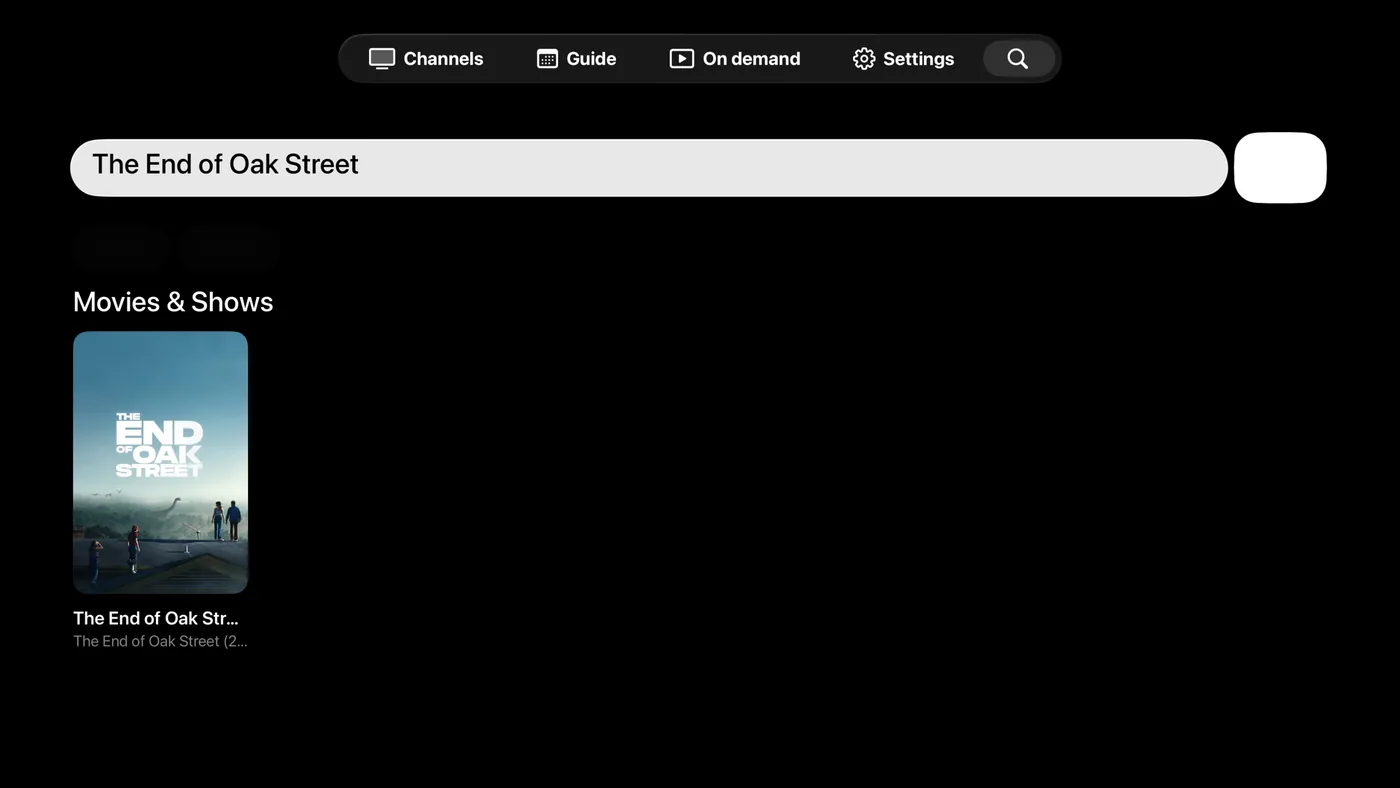
Search
-
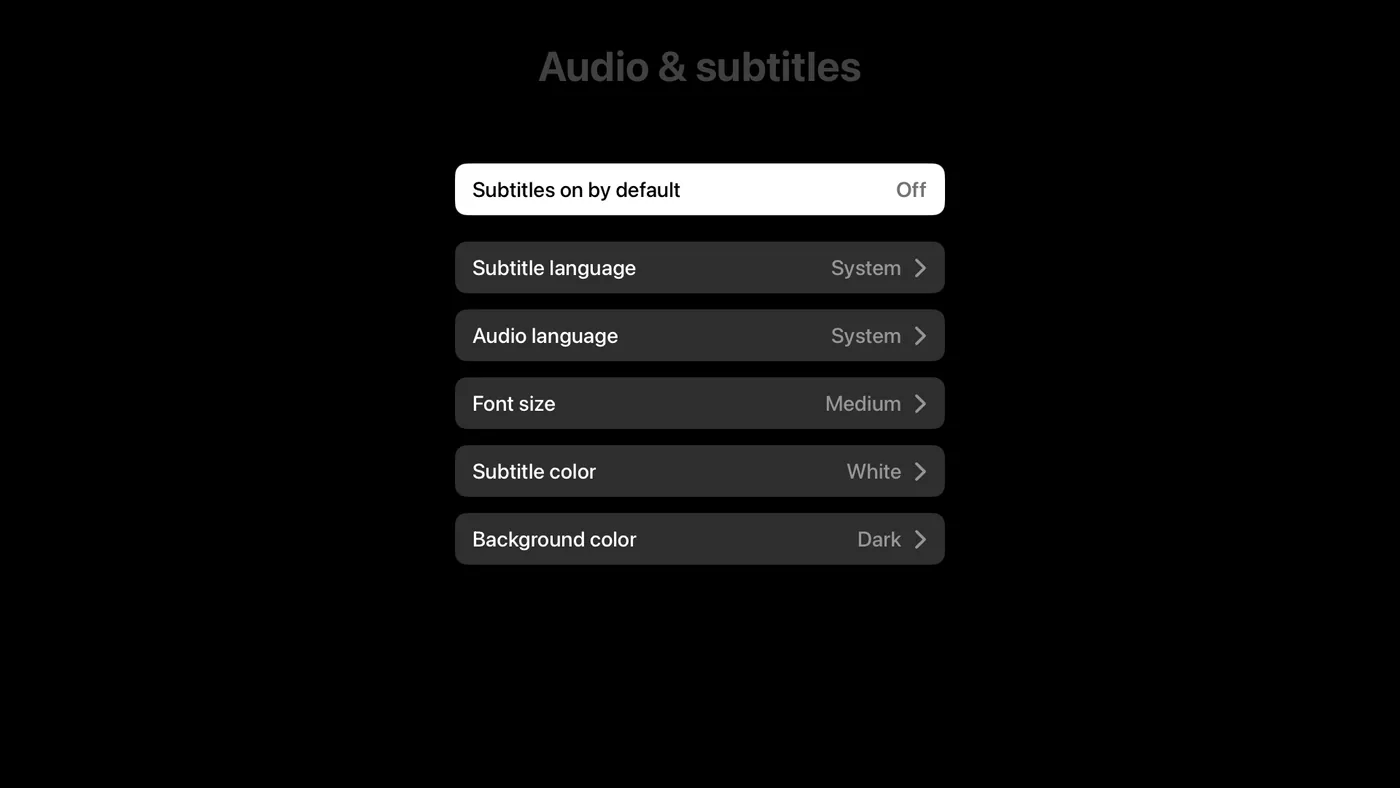
Audio & subtitles
-

Player
-

TV pairing
Also on
Questions & Answers
How do I add an IPTV playlist to Apple TV without typing?
Open Jetpack IPTV on the Apple TV and choose Pair with phone. Scan the QR code, or open jetpack-iptv.com/link on any phone and enter the code on screen, then pick the playlist to send.
Do I need an iPhone to use Jetpack IPTV on Apple TV?
No. You can pair from an Android phone or from any web browser at jetpack-iptv.com/link. You can also type your playlist details on the Apple TV itself.
Can Jetpack IPTV record on Apple TV?
Yes, with Boost. Schedule a recording from the program guide and the Apple TV records it, then keeps it for offline playback.
Does Jetpack IPTV come with channels?
No. Jetpack IPTV is a player only. You add your own M3U or Xtream Codes playlist from a provider you already use, and the app plays what that playlist contains.
Get Jetpack IPTV for Apple TV.
Free to download. Bring your own M3U or Xtream Codes playlist.