
Speed test
Find out what is actually buffering.
Test the connection between you and your provider, then let the app tune buffering to the result.


Boost Boost, on every platform.
Works on
Buffering is usually a route, not a speed
Almost every buffering complaint starts the same way: the internet is fine, the speed test says hundreds of megabits, and the channel still stalls every two minutes.
The reason is that a normal speed test measures the wrong path. It talks to a test server near you. Your stream comes from your provider's server, which can be in another country, busy at exactly the hour you want to watch, or behind a congested link.
Testing the path that matters
The provider connection test in Jetpack IPTV talks to the server your playlist uses. It reports how long the server takes to answer, how steady those answers are, and how fast it can actually pull video, using a sample of around 20 MB.
You get a verdict in plain language, and a recommended buffer preset. Applying it changes how much video the player holds before it starts: more buffer to ride out a jittery route, less to start channels faster on a good one.
The last five results are kept, which is what turns "it feels slow tonight" into something you can check.
When the answer is your provider
Sometimes the test says plainly that the provider is not delivering. No player setting fixes that, and any app promising otherwise is guessing. Run the test again when the network is quiet: if the numbers change completely, you have found your peak-time problem and it belongs to them.
How to set it up
- 1
Open the speed test
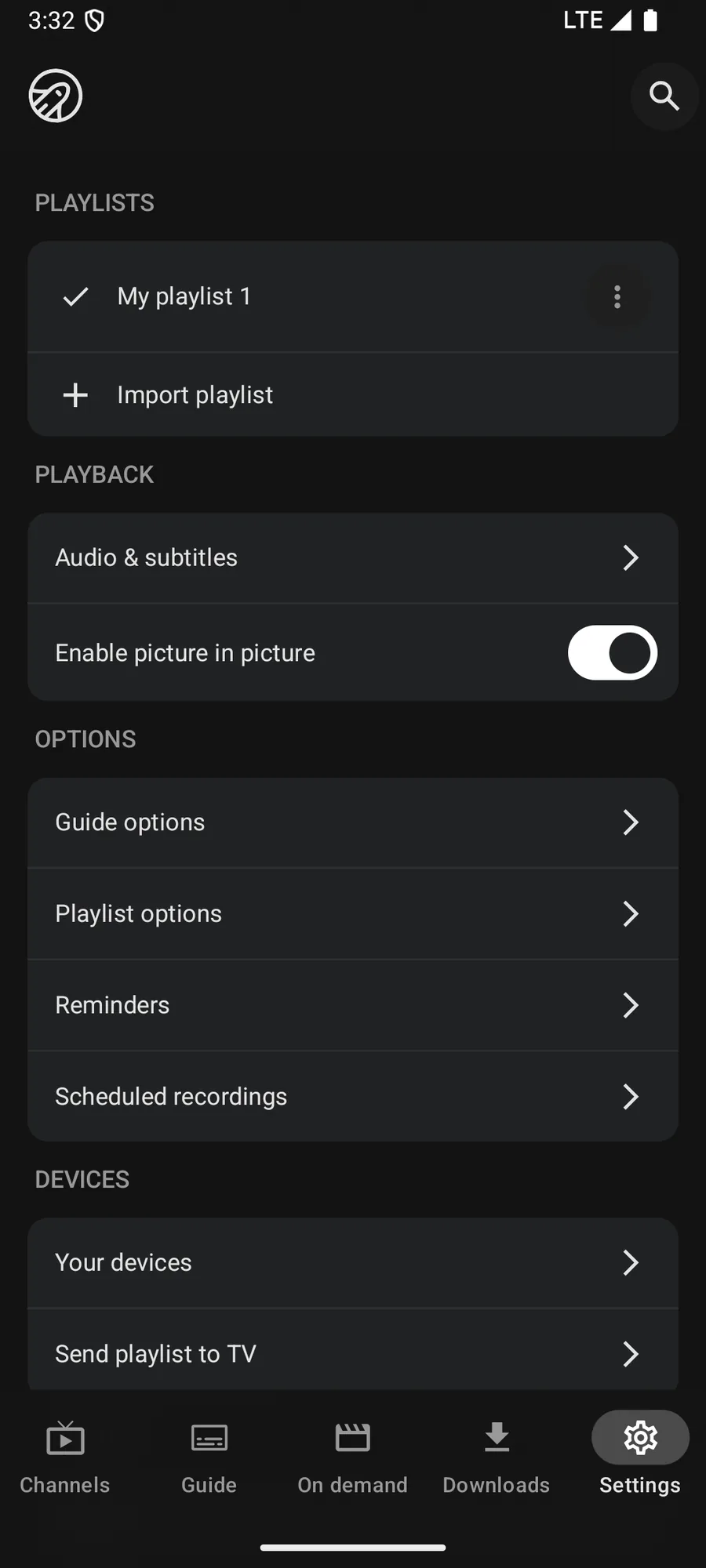
In Settings, start the provider connection test for your playlist.
- 2
Read the verdict
The app reports response time, jitter and download speed against your provider, and says what that means for playback.
- 3
Apply the buffer
Take the recommended buffer preset, and the player holds more or less video before it starts.
What it needs, and what it cannot do
- The speed test and buffer tuning need Boost.
- It measures the route to your provider's server, which is the part a general internet speed test does not cover.
- A bigger buffer trades a slower start for fewer stalls. It cannot fix a provider that is out of capacity.
- The app keeps the last five results, so you can compare evening and morning.
Questions & Answers
Why does my IPTV keep buffering when my internet is fast?
An internet speed test measures the route to a nearby test server. Your stream comes from your provider's server, which may be far away, overloaded at peak time, or throttled along the way. That route is what decides whether a stream stalls.
What does the Jetpack IPTV speed test measure?
Response time, jitter and download throughput against the server your playlist actually uses, by pulling a sample of roughly 20 MB. It then gives a verdict and recommends a buffer setting to match.
What does changing the buffer do?
The player holds a few seconds of video ahead of what you see. A larger buffer rides out short interruptions but takes longer to start a channel. A smaller one starts faster and is less forgiving.
What if the test says my provider is the problem?
Then no setting in any player will fix it. Test again at a quieter hour to confirm, then take it up with your provider. This is also worth doing before you blame the app.
Get started with Jetpack IPTV.
Free to download. Bring your own M3U or Xtream Codes playlist.