

Mac
The IPTV player for Mac.
A native Mac app: live TV in its own window, a program guide sized for your display, and a menu bar that keeps it close.

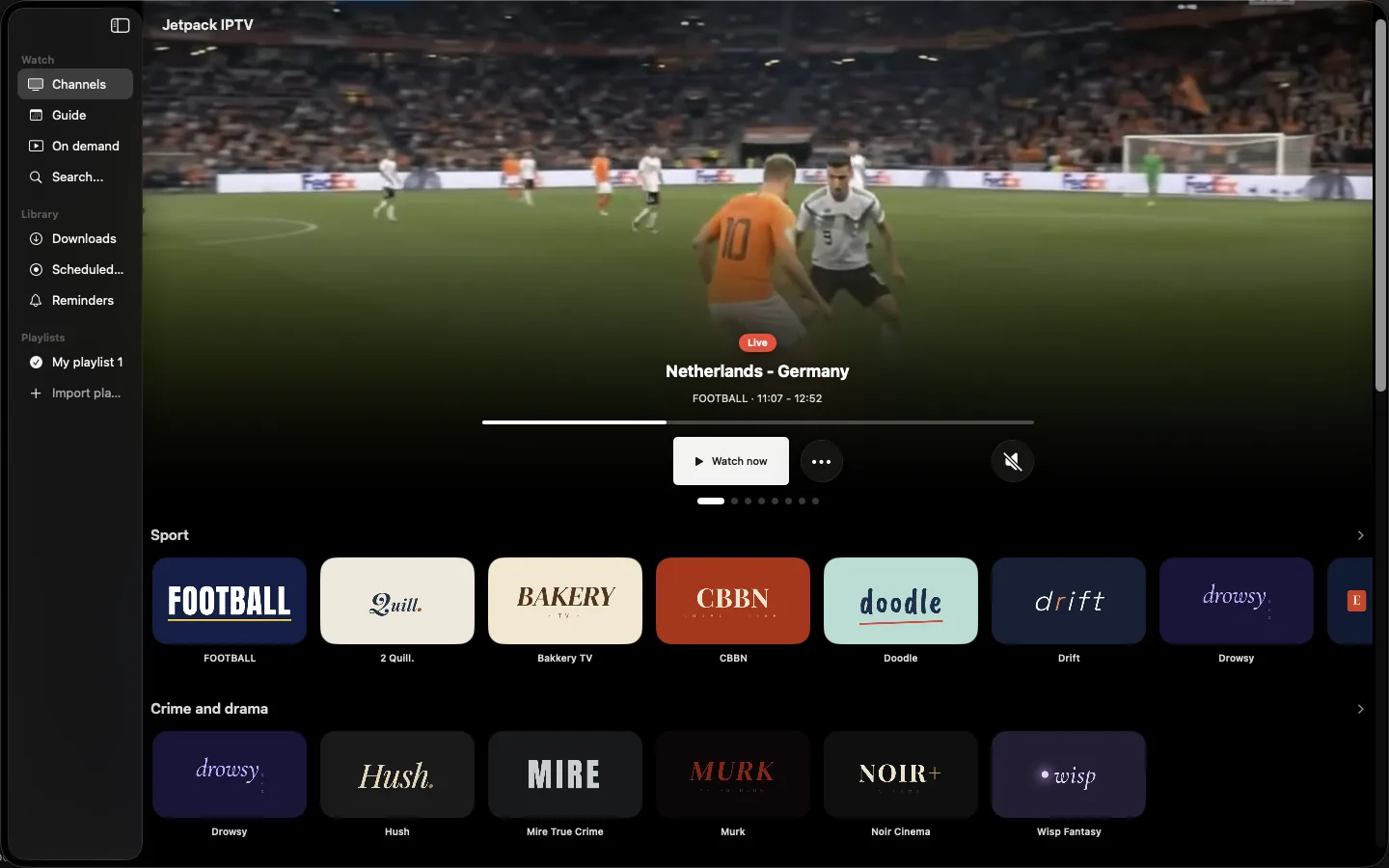
Built for Mac
What Jetpack IPTV does on Mac. Features marked Boost need a Boost subscription.
-
A window for the player
Resize it, move it to another display, or keep it beside your work.
-
Menu bar
Jump to a favorite or check on a recording without opening the app.
-
Keyboard shortcuts
Play, pause, zap and open the guide from the keyboard.
-
Live channel preview
The highlighted channel plays behind its artwork on the home screen.
-
Multiple player windows Boost
Watch more than one channel at a time when your stream limit allows it.
-
Recordings and downloads Boost
Record from the guide and keep movies for offline viewing.
Learn more
Screens
Swipe or drag to look around.
-
Channels
-
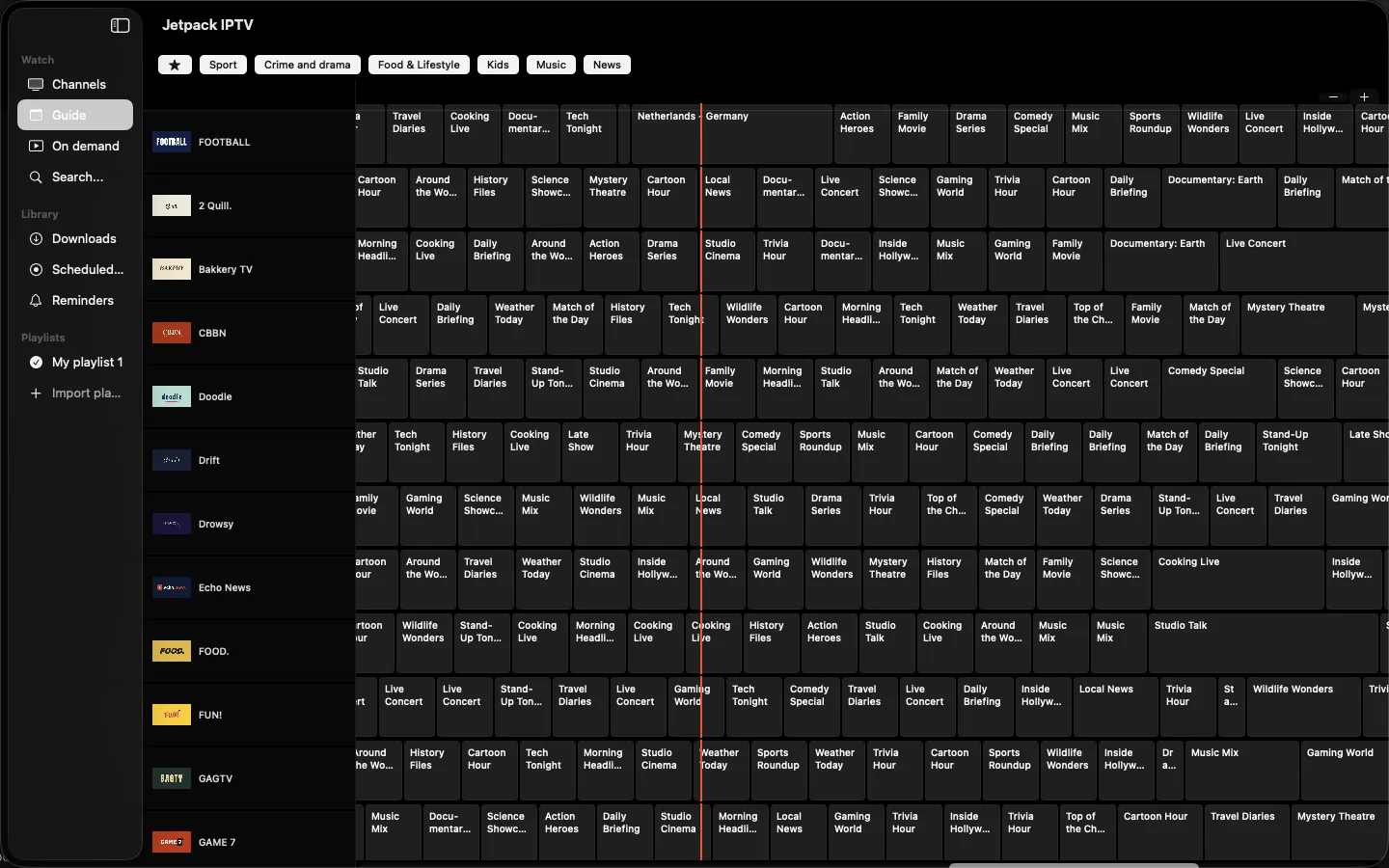
Program guide
-
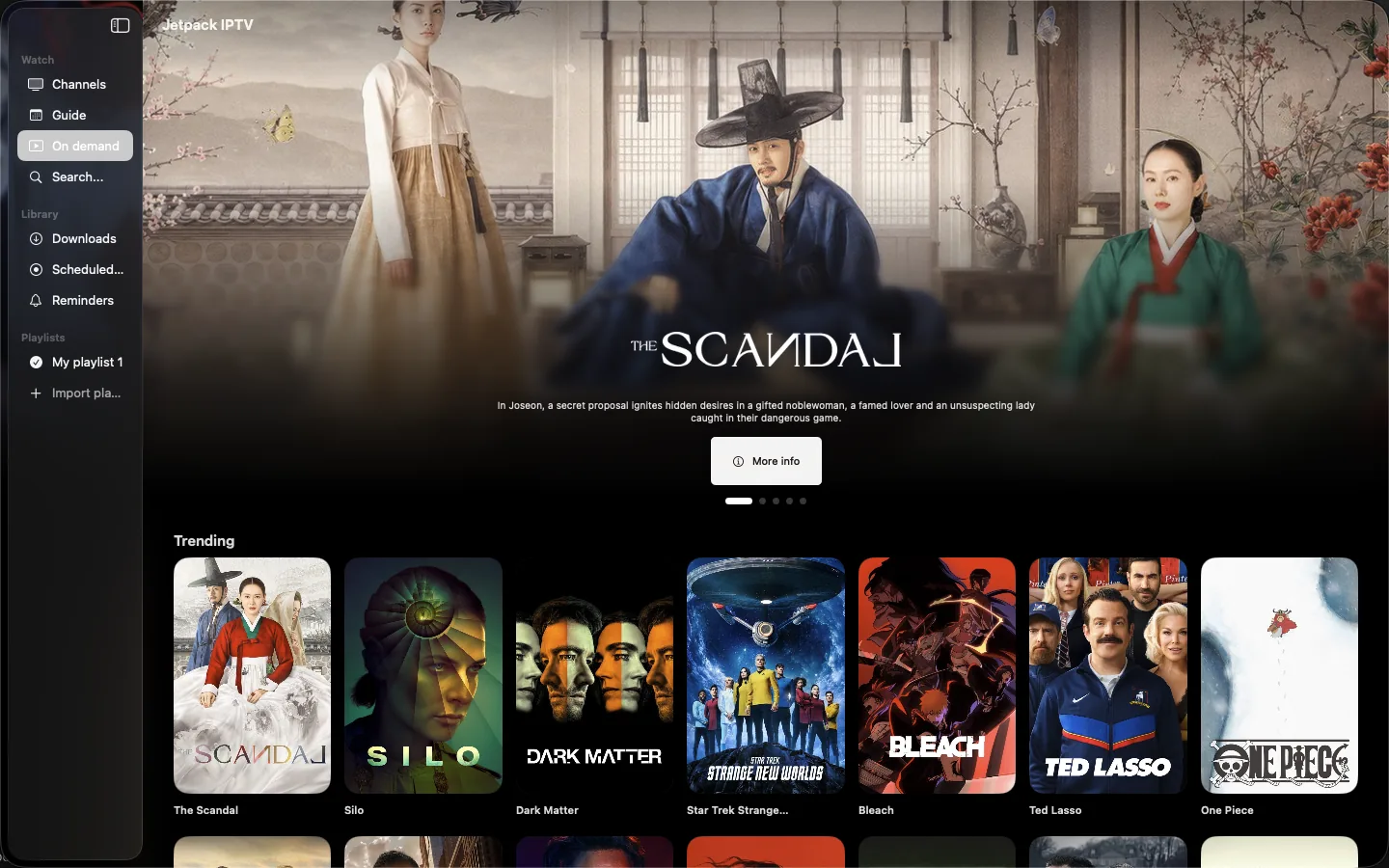
Movies & series
-

Search
Also on
Questions & Answers
Is Jetpack IPTV a native Mac app?
Yes. It is built for macOS with SwiftUI, not a stretched iPad app. The player opens in its own window, and the app adds a menu bar item and keyboard shortcuts.
Can I watch two channels at once on Mac?
Yes, with Boost. Turn on multiple player windows in Settings, and set your playlist's stream limit to more than one, because each window uses a stream from your provider.
Does Jetpack IPTV come with channels?
No. Jetpack IPTV is a player only. You add your own M3U or Xtream Codes playlist from a provider you already use, and the app plays what that playlist contains.
Is Jetpack IPTV free?
Yes. Live TV, the program guide, search and TV pairing are free with one playlist. Boost is an optional monthly or yearly subscription that adds favorites, catch-up, recordings, downloads and more playlists.
Get Jetpack IPTV for Mac.
Free to download. Bring your own M3U or Xtream Codes playlist.