
Setup guide
Add your playlist. Start watching.
Jetpack IPTV works with the M3U or Xtream Codes playlist you already have. It comes with no channels of its own.


- 1
Install the app
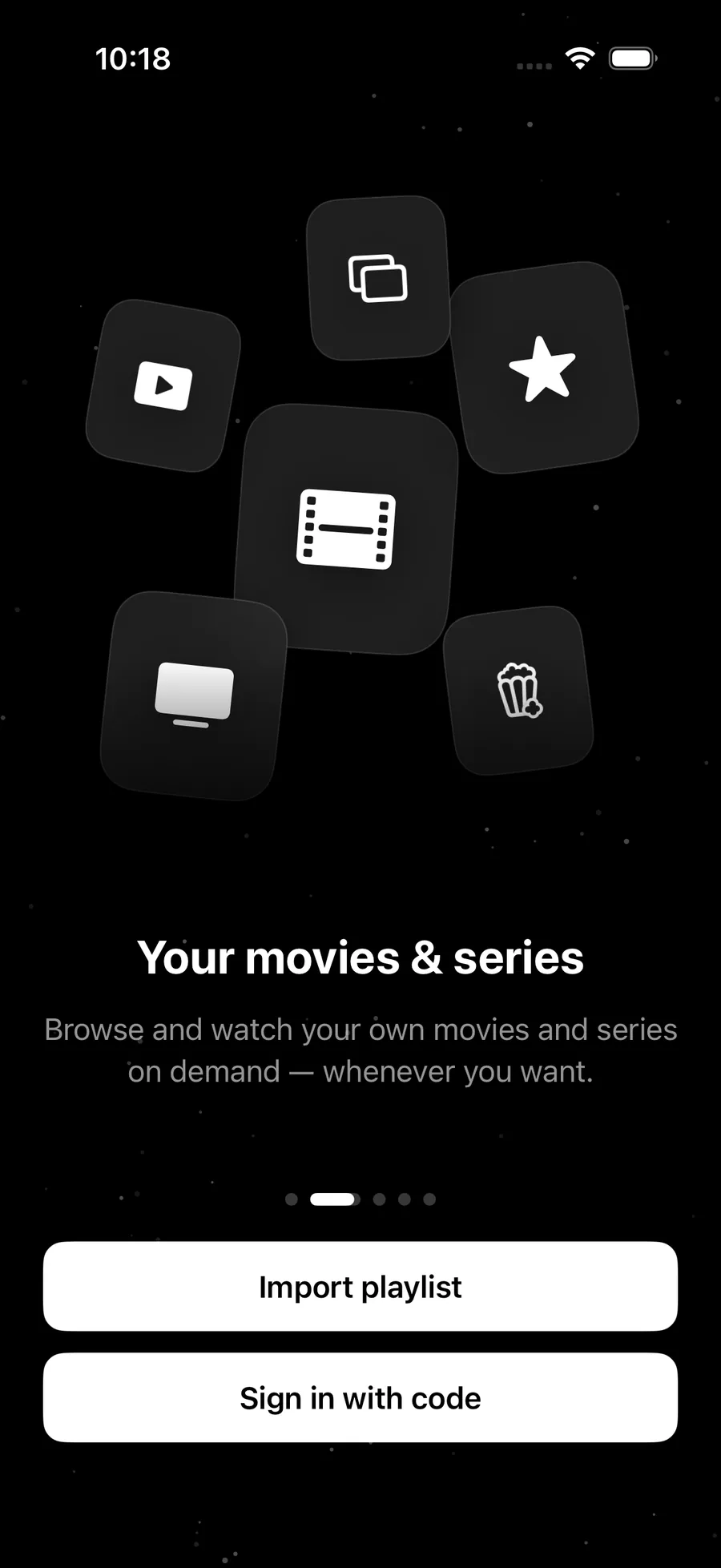
Jetpack IPTV is on the App Store for iPhone, iPad, Mac and Apple TV, and on Google Play for Android and Android TV.
- 2
Add your playlist
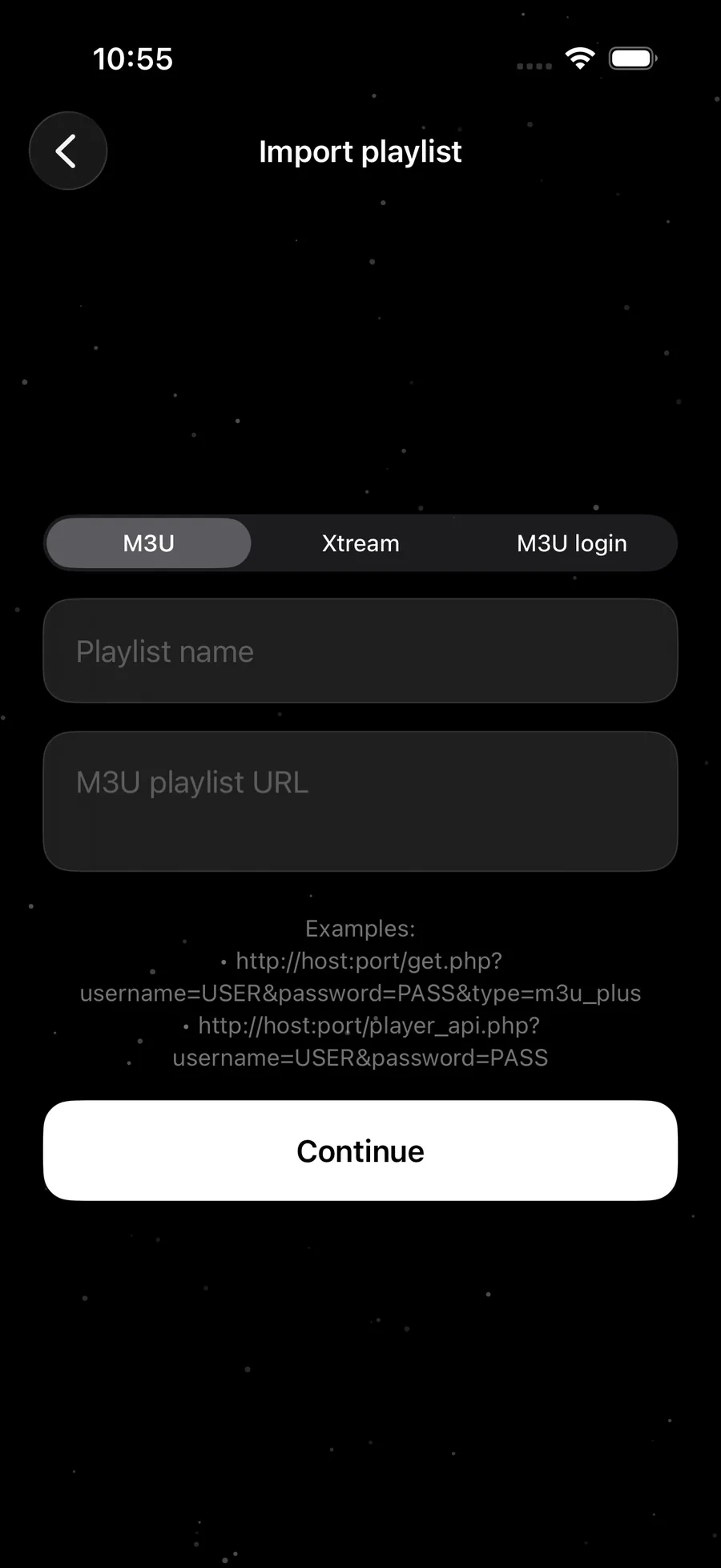
Paste an M3U link, or enter your Xtream Codes server, username and password. Paste the link your provider sent and the app fills in the fields for you.
- 3
Start watching
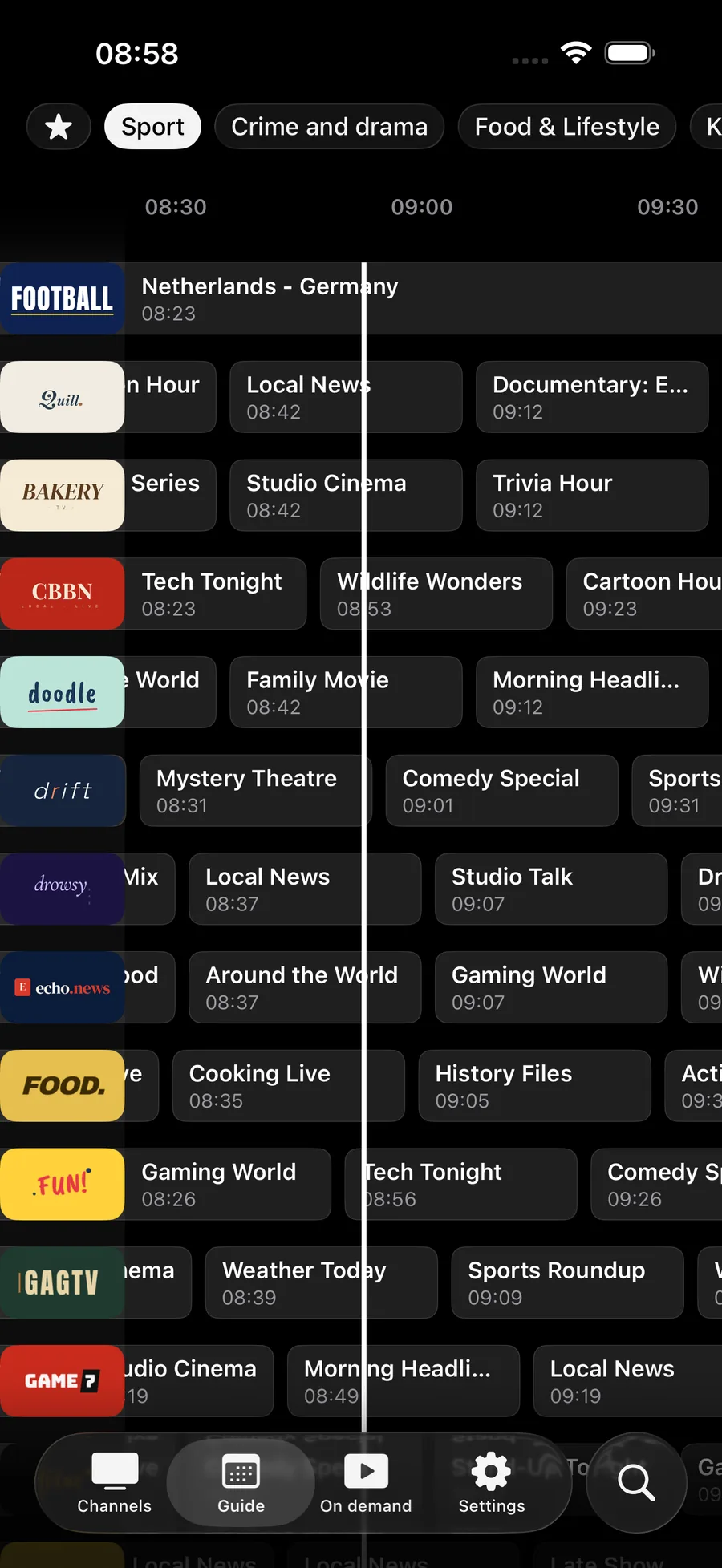
Your channels, program guide, movies and series are ready. Add an XMLTV link in Settings if your M3U provider publishes the guide separately.
Playlist formats
Jetpack IPTV reads the formats providers actually hand out. There is no Stalker or MAC portal support.
-
M3U and M3U8
A playlist link from your provider. Add an XMLTV link for the guide.
-
Xtream Codes
Server address, username and password. The guide usually comes with it.
-
XMLTV
A guide link, when your M3U provider publishes one separately.
On your TV
Already set up on your phone?
Open Jetpack IPTV on your TV, choose Pair with phone, and send the playlist over with a short code. It works from any phone, and from a browser.
Learn about TV pairing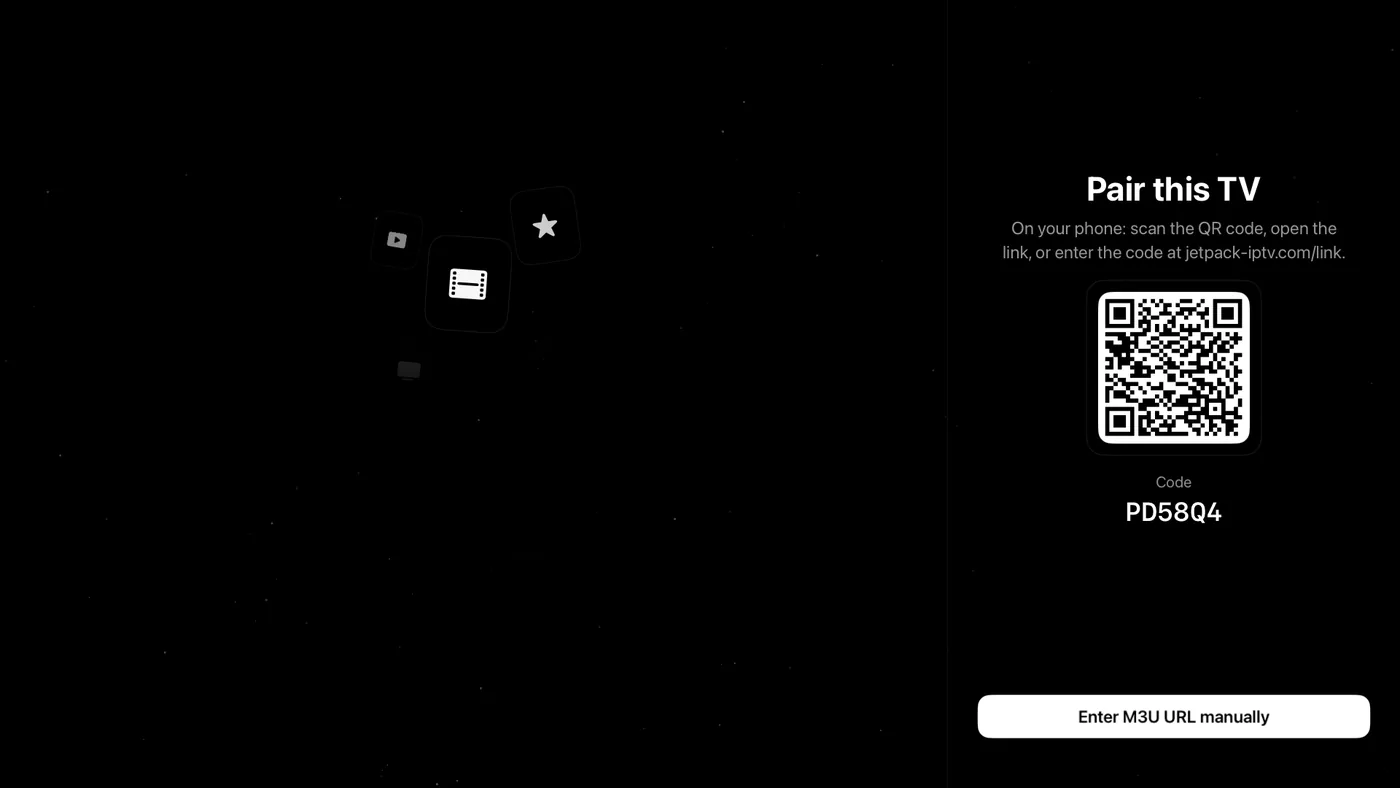
Questions & Answers
What do I need to use Jetpack IPTV?
A playlist from an IPTV provider you already use, as an M3U link or Xtream Codes login. Jetpack IPTV includes no channels and no subscription to any service.
How do I add an M3U playlist?
Open the app, choose to add a playlist, paste the M3U link and give it a name. If your provider sent a separate XMLTV link, add it in Settings so the program guide fills in.
Why is my program guide empty?
An M3U playlist carries no guide data on its own. Add your provider's XMLTV link in Settings. With Xtream Codes the guide usually arrives with your login, so check that the channel IDs in your playlist match the guide.
How do I set it up on my TV?
Install Jetpack IPTV on your Apple TV or Android TV, choose Pair with phone, then scan the QR code or enter the code at jetpack-iptv.com/link. Your playlist goes straight to the TV, so there is nothing to type with a remote.
Get started with Jetpack IPTV.
Free to download. Bring your own M3U or Xtream Codes playlist.