
Program guide
A real program guide.
What's on now and next across every channel, from your provider's XMLTV or Xtream guide data.


Free Free on every platform. Guide options need Boost.
Works on
The guide is what makes a playlist watchable
A playlist is a list of channels. Without listings you get names and nothing else, which is how most IPTV setups end up as eight hundred rows nobody scrolls through.
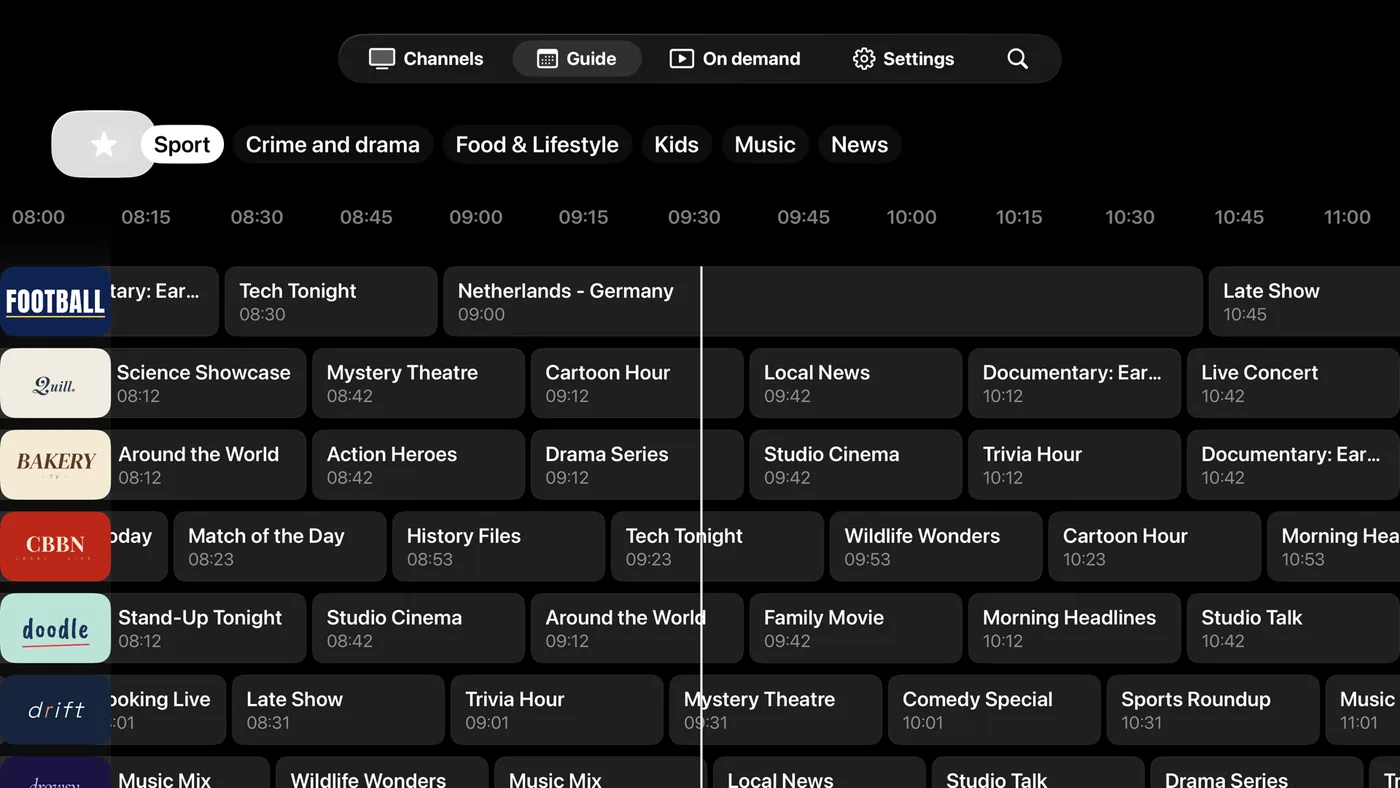
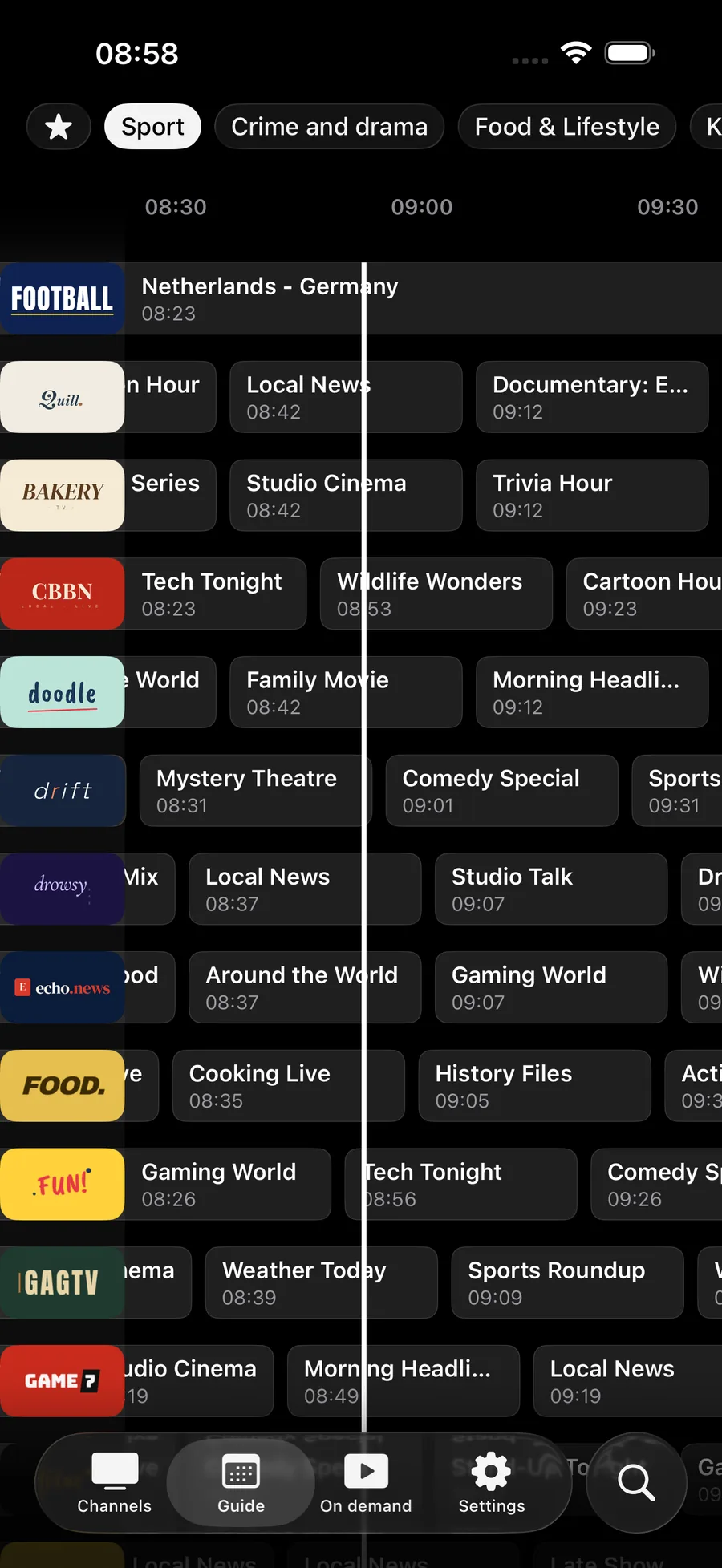
The guide turns that into television: channels down the side, time across the top, what is on now in the middle. Open a program to read its description, set a reminder for something later, and jump back into the grid without stopping what is playing.
Where the data comes from
Two sources, depending on how you signed in.
| Your playlist | Where listings come from | What you add |
|---|---|---|
| Xtream Codes | The provider's panel, on the same login | Usually nothing |
| M3U or M3U8 | A separate XMLTV file | The XMLTV link, in Settings |
Jetpack IPTV matches listings to channels by channel ID, ignoring capitalization. When both sides agree, the grid fills in. When a provider writes one ID in the playlist and a different one in the guide, those channels show no programs, and no player can guess its way around that.
If the guide is empty
Check in this order: whether guide data is loaded at all, whether it is loaded for the channels you care about, and whether the times look shifted. The first is a missing XMLTV link, the second is a channel ID mismatch, and the third is a time zone the provider published incorrectly. The detailed walkthrough is in the blog post on how the guide works.
Now, next and tonight
Channels down the side, hours across the top, and the current time where you land. Open a program to read what it is.
How to set it up
- 1
Add your playlist
With Xtream Codes the guide usually arrives with your login. With an M3U playlist, add your provider's XMLTV link in Settings.
- 2
Let it sync
The app fetches the guide and matches programs to channels by their channel ID.
- 3
Set reminders
Open a program that has not started and set a reminder. Notifications are free.
What it needs, and what it cannot do
- Guide data comes from your provider. Jetpack IPTV cannot invent listings for a channel your provider does not describe.
- Programs are matched to channels by channel ID. When a playlist and a guide disagree about IDs, those channels stay empty.
- The guide grid, now and next, and reminders are free. Guide options such as filtering and layout tweaks need Boost.
- Catch-up from the guide needs an Xtream archive and Boost.
Questions & Answers
Why is my IPTV program guide empty?
Either no guide data was loaded, or it does not match your channels. An M3U playlist carries no listings by itself, so add your provider's XMLTV link in Settings. If some channels fill in and others stay blank, the blank ones have a channel ID in the playlist that the guide does not use.
Where do I put the XMLTV link?
In Settings, on the playlist. Paste the XMLTV URL your provider gives you and the app fetches it. With Xtream Codes you usually do not need one, because the panel publishes guide data on the same login.
Why is every program a few hours out?
That is a time zone difference between the guide file and your device. The guide carries its own offsets, and a provider that publishes them wrongly shifts everything by the same amount.
Can I watch something that already aired?
When your provider keeps an archive, past programs in the guide are playable. That is catch-up, and it needs Boost and an Xtream Codes playlist.
Does the guide update itself?
Yes. The app refreshes guide data in the background so the grid is current when you open it.
Get started with Jetpack IPTV.
Free to download. Bring your own M3U or Xtream Codes playlist.