
Recordings
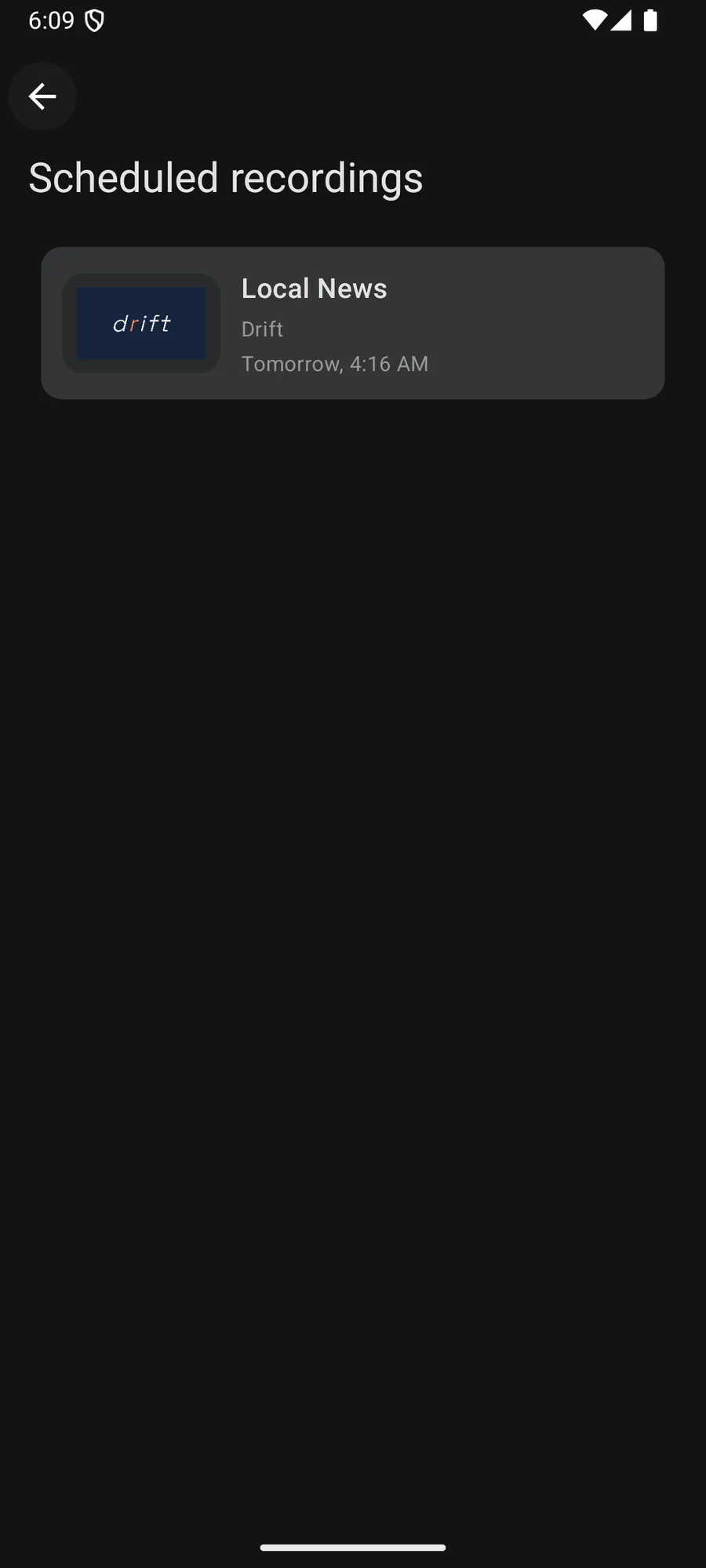
Record it from the guide.
Pick a program in the guide and the device records it, then keeps it for watching offline. Including on Apple TV and Mac.


Boost Boost, on every platform.
Works on
A DVR that lives on your device
Most IPTV players leave recording to the provider, or skip it. Jetpack IPTV records on the device itself: you pick a program in the guide, the app opens the stream at the right moment and writes it down, and the result sits in Recordings until you delete it.
That includes the living room. Apple TV and Android TV record on their own, and so does the Mac, which matters because recording is usually the one feature that vanishes when you move from a phone to a TV app.
It follows the guide
Broadcast times move. When the guide updates, scheduled recordings move with it, so a program that slips by twenty minutes is still recorded from its real start to its real end. Padding is there for channels that never quite obey their own schedule.
When two recordings need the same stream at the same time, the app tells you before the clash rather than after.
While it runs
On iPhone the recording shows up as a Live Activity, so you can see it running from the Lock Screen and stop it there. On any platform, a running recording holds one of your playlist's streams and takes priority over playback, because you can always watch something again but you cannot record it twice.
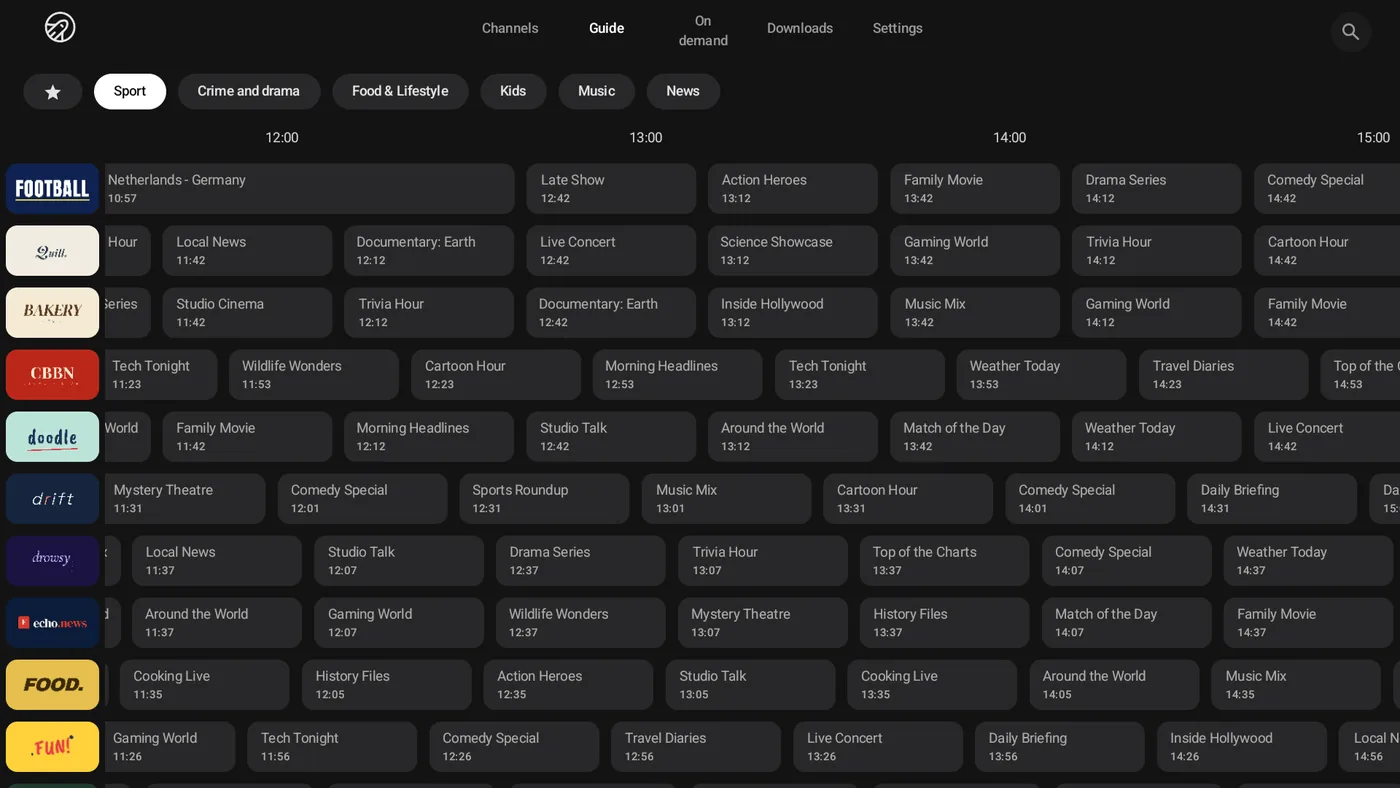
Straight from the guide Boost
Open a program in the guide and schedule it. The app follows guide changes, so a late start does not cost you the ending.
How to set it up
- 1
Find the program
Open the program guide and select something that has not started yet.
- 2
Schedule the recording
Choose to record it. Add padding before and after if the channel tends to run late.
- 3
Watch it later
Finished recordings live in Recordings, ready to play without a connection.
What it needs, and what it cannot do
- Recordings need Boost, and they are stored on the device that records them.
- A recording uses one of your playlist's streams while it runs, and it takes priority over playback.
- The device has to be able to run the recording. On iPhone, iPad and Apple TV the app wakes itself with a background task, which the system schedules.
- A recording is only as good as the stream behind it. If the provider drops, the recording has the same gap.
Questions & Answers
Can Jetpack IPTV record IPTV on Apple TV?
Yes, with Boost. Schedule a program from the guide and the Apple TV records it itself, then keeps it for offline playback. The same works on iPhone, iPad, Mac, Android and Android TV.
Where are recordings stored?
On the device that made them, not in a cloud. You can pull a recording from another of your devices over the same Wi-Fi network when you want it in two places.
What happens if the program runs late?
The app watches the guide and adjusts a scheduled recording when the times move. You can also add padding before and after, which is the safer answer for channels that always overrun.
Can I record a whole series?
You can schedule recordings for a series, and conflicts are flagged when two recordings want the same stream at the same time. For on demand content, Follow a series downloads new episodes instead.
Does recording work while I watch something else?
It does when your playlist allows more than one stream. Recordings take priority, so the app will not drop one to free a stream for playback.
Get started with Jetpack IPTV.
Free to download. Bring your own M3U or Xtream Codes playlist.