
Features
Everything the player does.
Live TV, a real program guide, movies and series, recordings and casting, on every screen. Features marked Boost need a subscription.


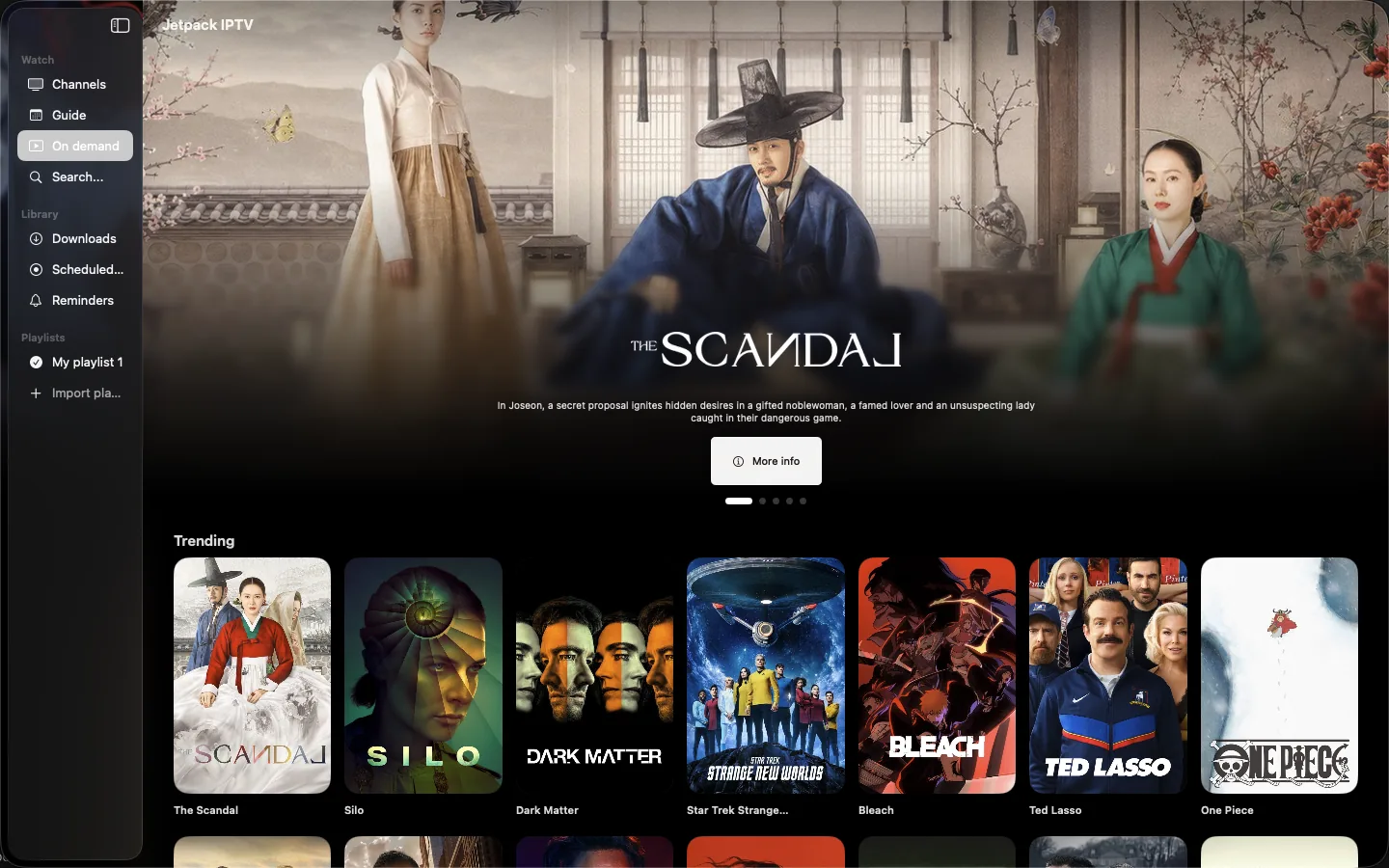
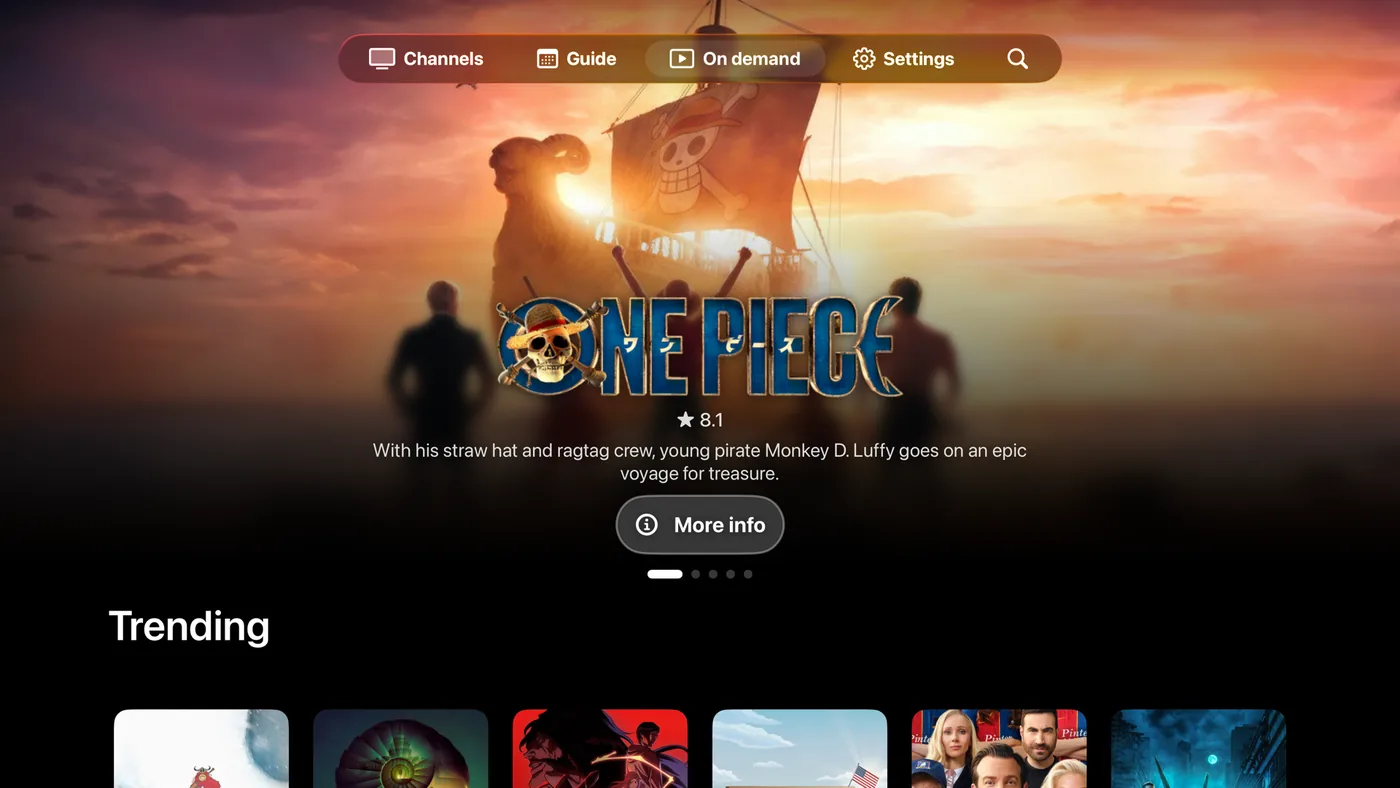
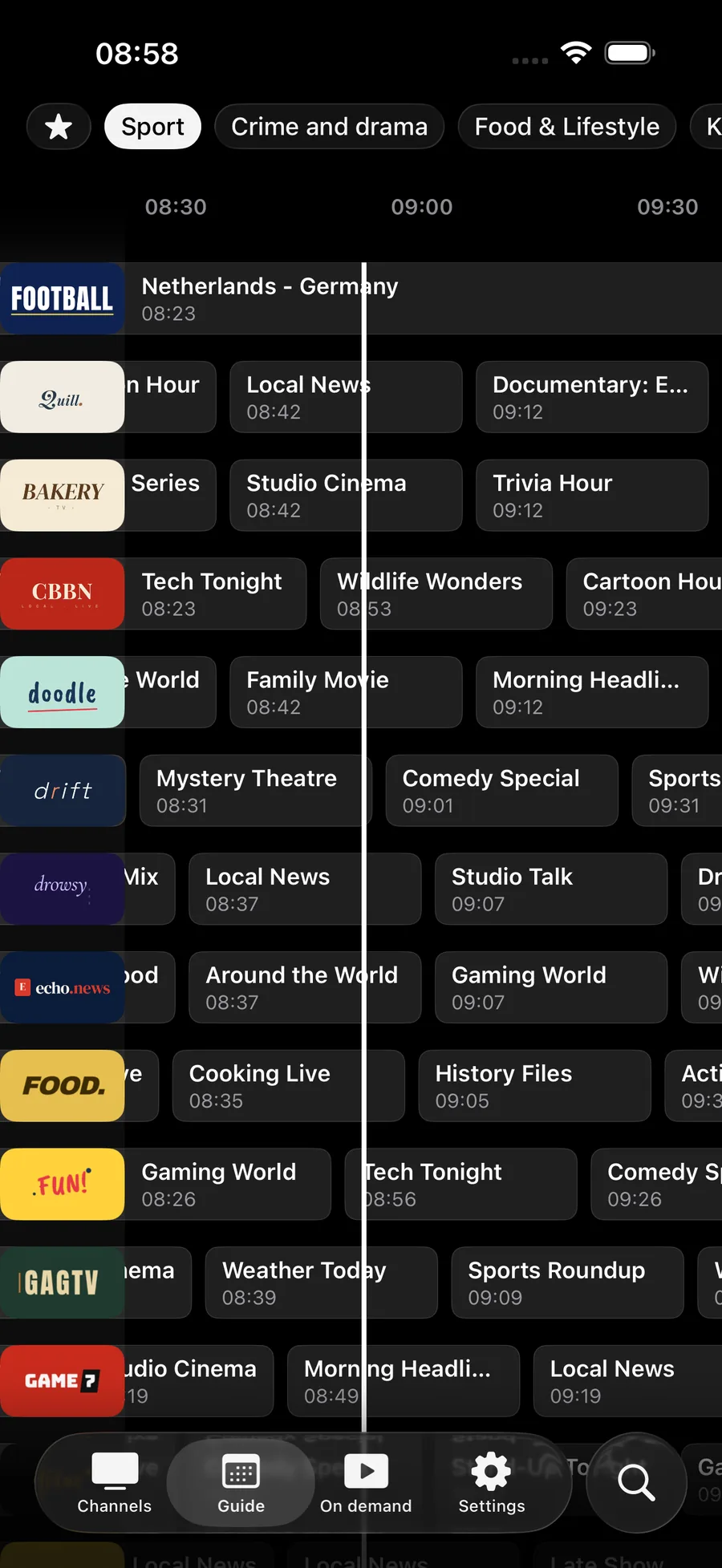
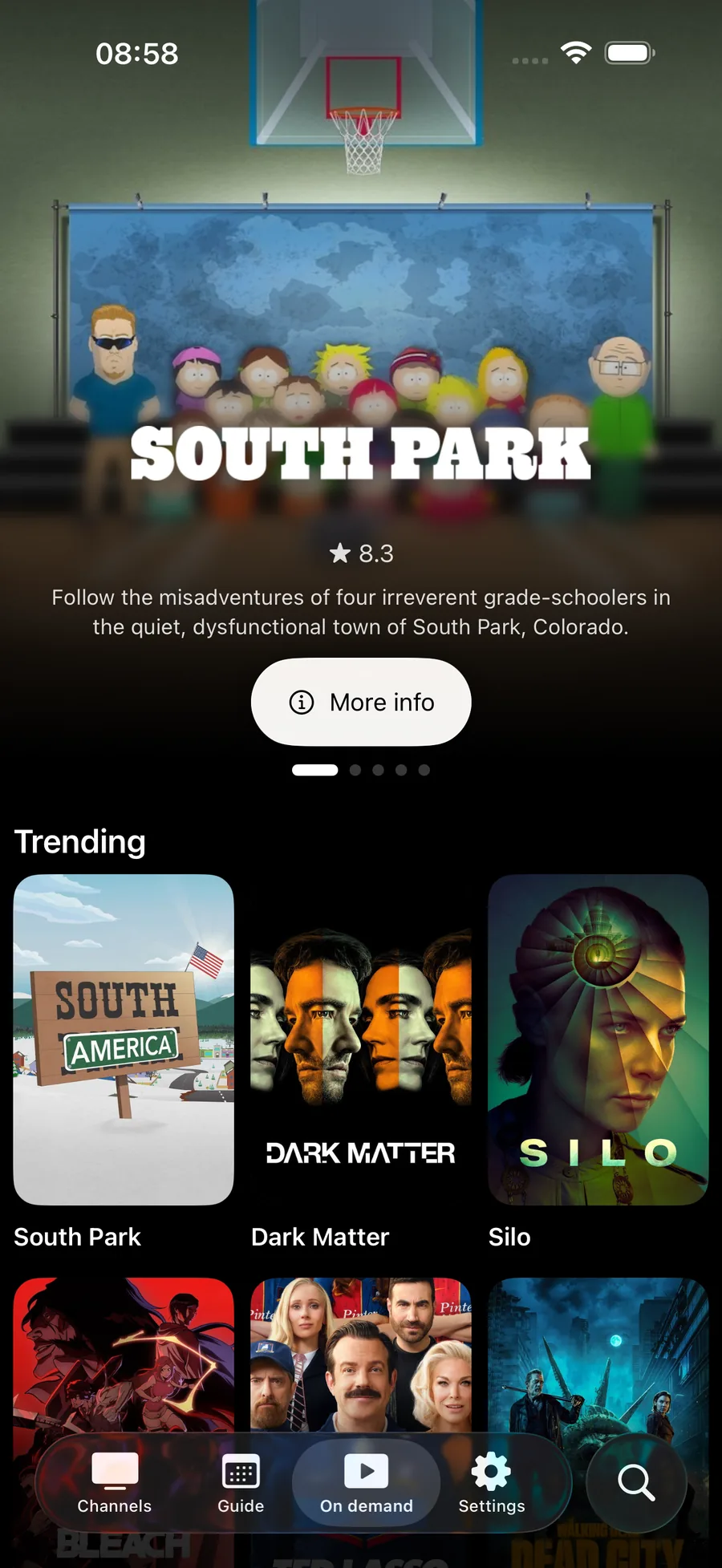
Live TV & program guide
Browse channels the way TV was meant to be browsed.
Program guide
A full grid with what's on now and next across every channel.
Live TV channels
Browse and play the live channels in your playlist.
Live channel preview
The home screen plays the highlighted channel behind its artwork. Wi-Fi only, and off in one tap in Settings.
Personalized carousel
Shelves that pick what's on for you, based on what you actually watch.
Country filter
Choose which countries' channels you see.
Reminders
Get a notification before a program starts.
Favorites Boost
Star the channels you watch most and find them in one place.
Catch-up Boost
Scrub back into earlier programs, or play them from the guide, when your Xtream provider keeps an archive.
Movies & series
Your On Demand library with real detail pages.
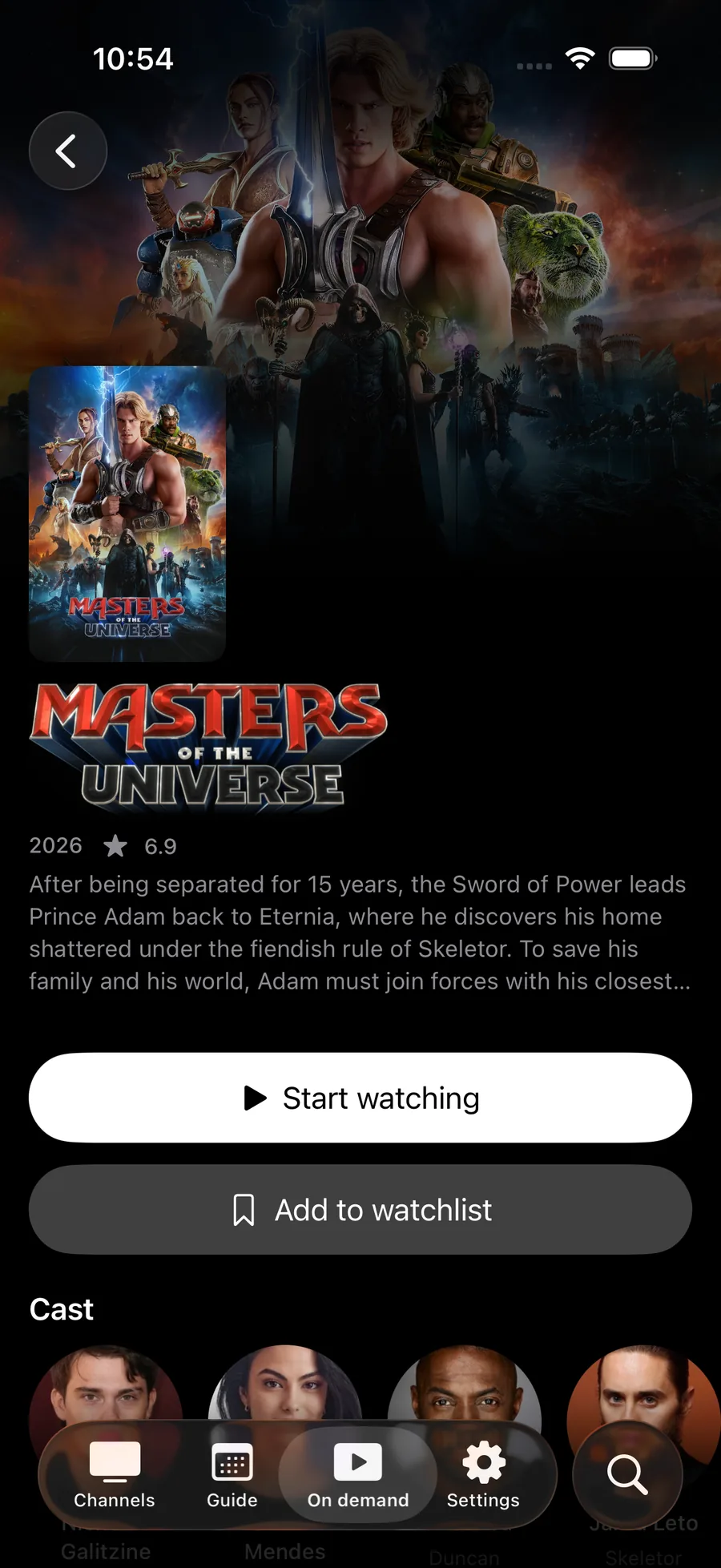
Movie detail pages
Posters, descriptions and play controls for every movie.
Series and episodes
Seasons and episodes the way your playlist has them, with a language picker when a show comes in more than one.
Keep Watching
Resume movies and episodes where you left off, with the last frame you saw.
Watchlist Boost
Save movies and series for later.
Follow a series Boost
New episodes download themselves, ready offline, with one notification when they land.
Skip intro and chapters Boost
Skip intros and credits, jump by chapter, and see the picture while you scrub.
Search & discover
Find anything, fast.
Universal search
One search across live channels, movies and series.
Tabbed results
TV channels in one tab, movies and series in the other.
Recently watched
Jump back to channels and shows with the last frame, and pick the program back up where your playlist allows.
Siri, Shortcuts and Spotlight
Play a channel, resume or open the guide by voice on iPhone, iPad and Apple TV.
Play anywhere
Cast, listen or multitask.
AirPlay
Send live TV and movies from iPhone and iPad to Apple TV or any AirPlay TV.
Chromecast
Cast from iPhone, iPad or Android, and pick audio and subtitle tracks while you cast.
Picture-in-picture
Keep watching in a floating window on iPhone, iPad and Android.
Audio-only playback
Listen without the picture, with spatial audio on supported headphones.
Audio and subtitles Boost
Preferred audio and subtitle languages, plus subtitle size, color and background.
Provider speed test Boost
Test the connection to your provider and let the app tune buffering to it.
Recordings & downloads
Never miss a show.
Scheduled recordings Boost
Schedule recordings from the guide, on phones, tablets, Apple TV, Android TV and Mac.
Downloads Boost
Download movies, episodes and recordings and watch them without a connection.
Playlists & sharing
Your playlist, your way.
M3U / M3U8
Add a playlist by URL.
Xtream Codes
Sign in with server, username and password, or paste the link your provider sent.
XMLTV guide
Add an XMLTV link for guide data when your M3U provider has one.
Share your playlist
Invite up to five people with a single-use link. Each gets their own profile, and you can remove anyone at any time.
Stream limit
One stream at a time on the free plan. With Boost, match your provider's connection limit and stop a stream on another device to watch here.
Multiple playlists Boost
Keep up to five playlists in the app.
Sync across devices Boost
Favorites, watch history, playlists and settings follow you to every device.
Linked devices
See and manage the devices on your Jetpack account.
TV pairing
From phone to TV in seconds.
Short code
The TV shows a short code to enter on your phone or at jetpack-iptv.com/link.
QR code
Scan it to open the pairing page instantly.
Secure delivery
Your playlist goes through Jetpack's pairing server, only to the TV that asked for it.
Works across platforms
Pair an Apple TV from an Android phone, or any TV from a web browser.
Feature guides
The longer story on the features people ask about most, including what each one needs from your provider.
- Free
Playlist sharing
Invite up to five people with one link. They watch on their own devices, with their own profiles, and you can remove anyone at any time.
- Free and Boost
Stream limit
Jetpack IPTV counts the streams your household is using and lets you stop one on another device, instead of failing with an error.
- Free and Boost
Rewind and catch-up
Scrub back into a live channel when the stream allows it, or open the archive your provider keeps and start the program from the beginning.
- Boost
Recordings
Pick a program in the guide and the device records it, then keeps it for watching offline. Including on Apple TV and Mac.
- Boost
Downloads
Download movies, episodes and recordings, then watch them with no connection at all. Follow a series and new episodes arrive on their own.
- Free
Casting
Send live channels, movies and series to a Chromecast from your iPhone, iPad or Android phone, or to an Apple TV with AirPlay.
- Boost
Speed test
Test the connection between you and your provider, then let the app tune buffering to the result.
- Free
Program guide
What's on now and next across every channel, from your provider's XMLTV or Xtream guide data.
Questions & Answers
Which Jetpack IPTV features are free?
Live TV, the program guide, reminders, search, On Demand browsing, TV pairing, playlist sharing and casting are free with one playlist. Favorites, catch-up, recordings, downloads and sync need Boost.
Does catch-up work with every playlist?
No. Catch-up needs an Xtream Codes playlist whose provider keeps an archive for that channel, and your provider sets how far back it goes. Catch-up needs Boost.
Can I record IPTV on Apple TV?
Yes, with Boost. Schedule a recording from the program guide and the Apple TV records it itself. Recordings also work on iPhone, iPad, Mac, Android and Android TV.
Can I share my IPTV playlist with family?
Yes. Invite up to five people with a link. Each guest gets their own profile and watch history, can't see or edit your playlist details in the app, and you can remove anyone at any time.
Get started with Jetpack IPTV.
Free to download. Bring your own M3U or Xtream Codes playlist.