

iPad
The IPTV player for iPad.
A program guide with room to breathe, your movies and series, and picture-in-picture while you work.

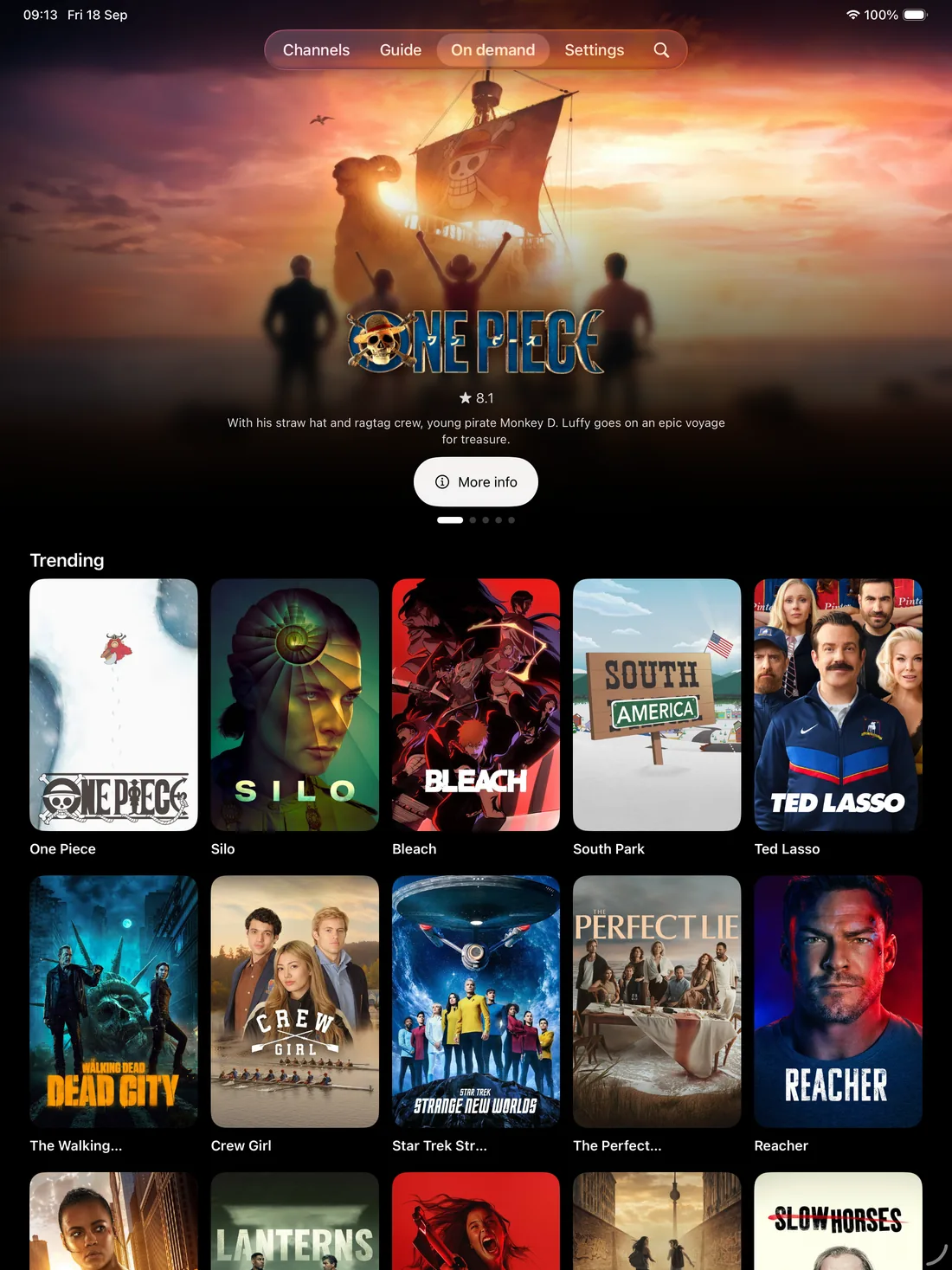
Built for iPad
What Jetpack IPTV does on iPad. Features marked Boost need a Boost subscription.
-
Full-width program guide
More channels and more hours on screen at once.
Learn more -
Movies and series
Posters, seasons and episodes, and Keep Watching.
Learn more -
Picture-in-picture
Float the player over your other apps.
-
AirPlay and Chromecast
Send what you're watching to the TV.
Learn more -
Siri and Shortcuts
Play a channel or open the guide by voice.
-
Downloads Boost
Take movies and recordings with you, offline.
Learn more
Screens
Swipe or drag to look around.
-
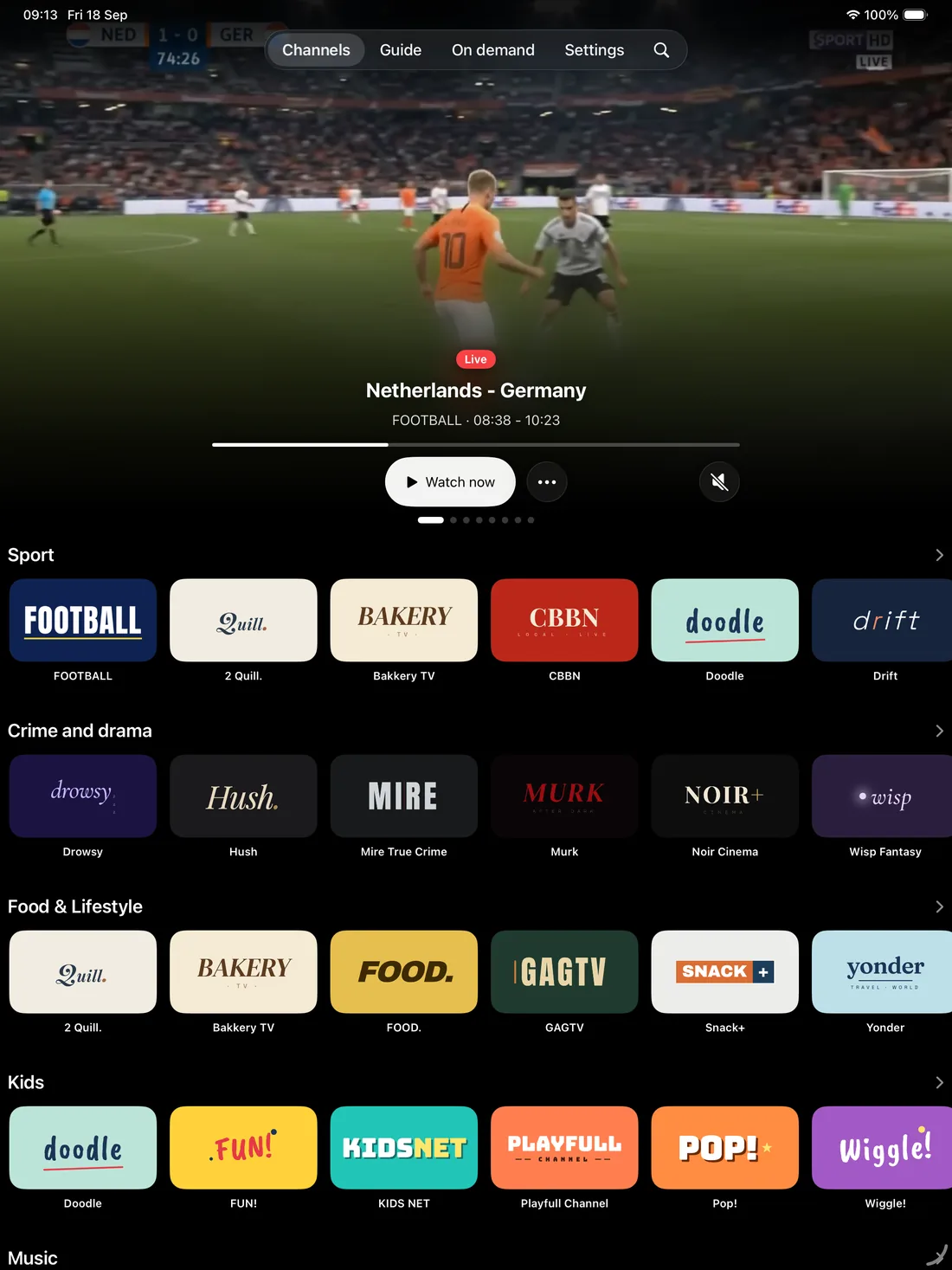
Channels
-
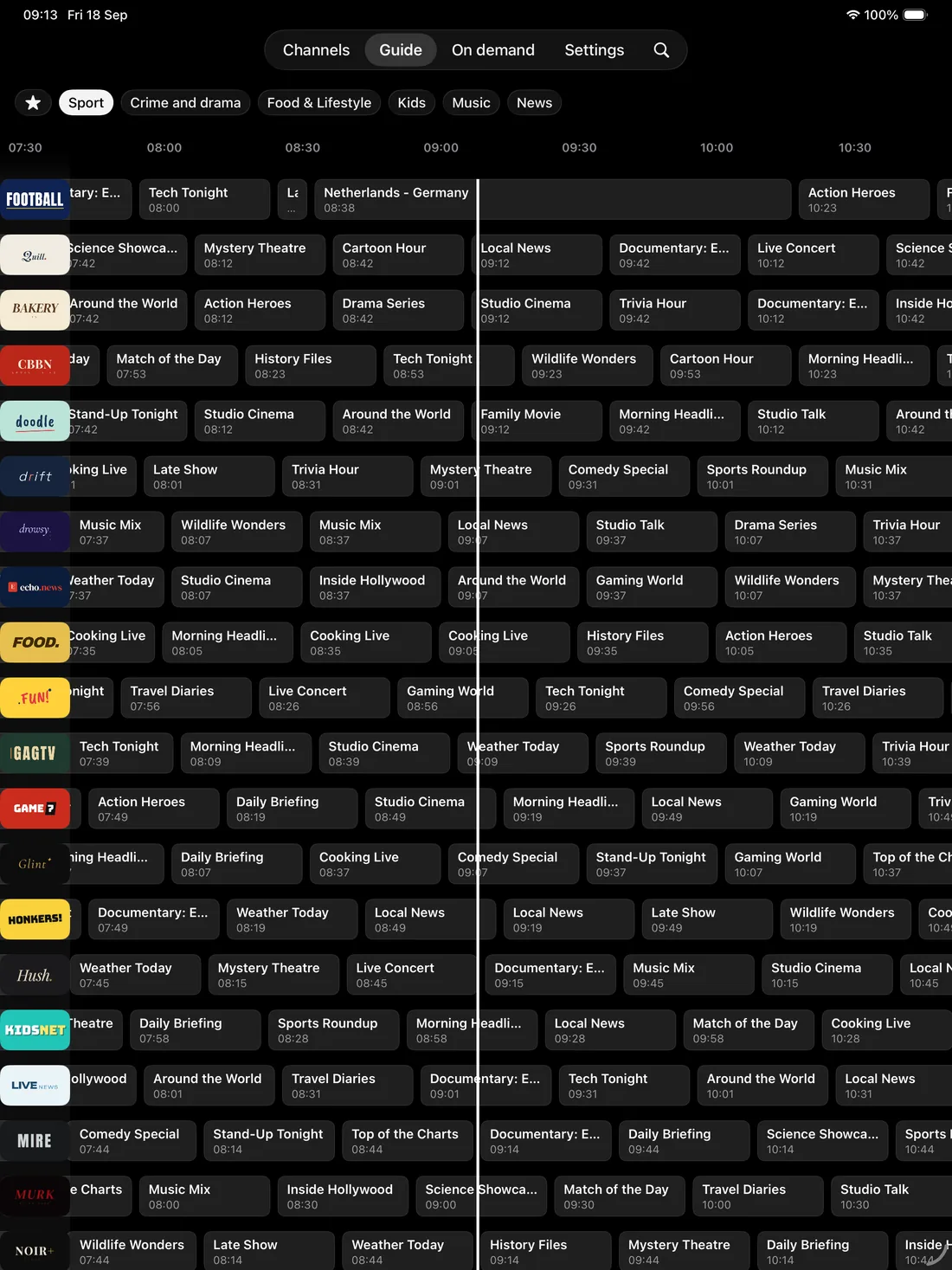
Program guide
-
Movies & series
-
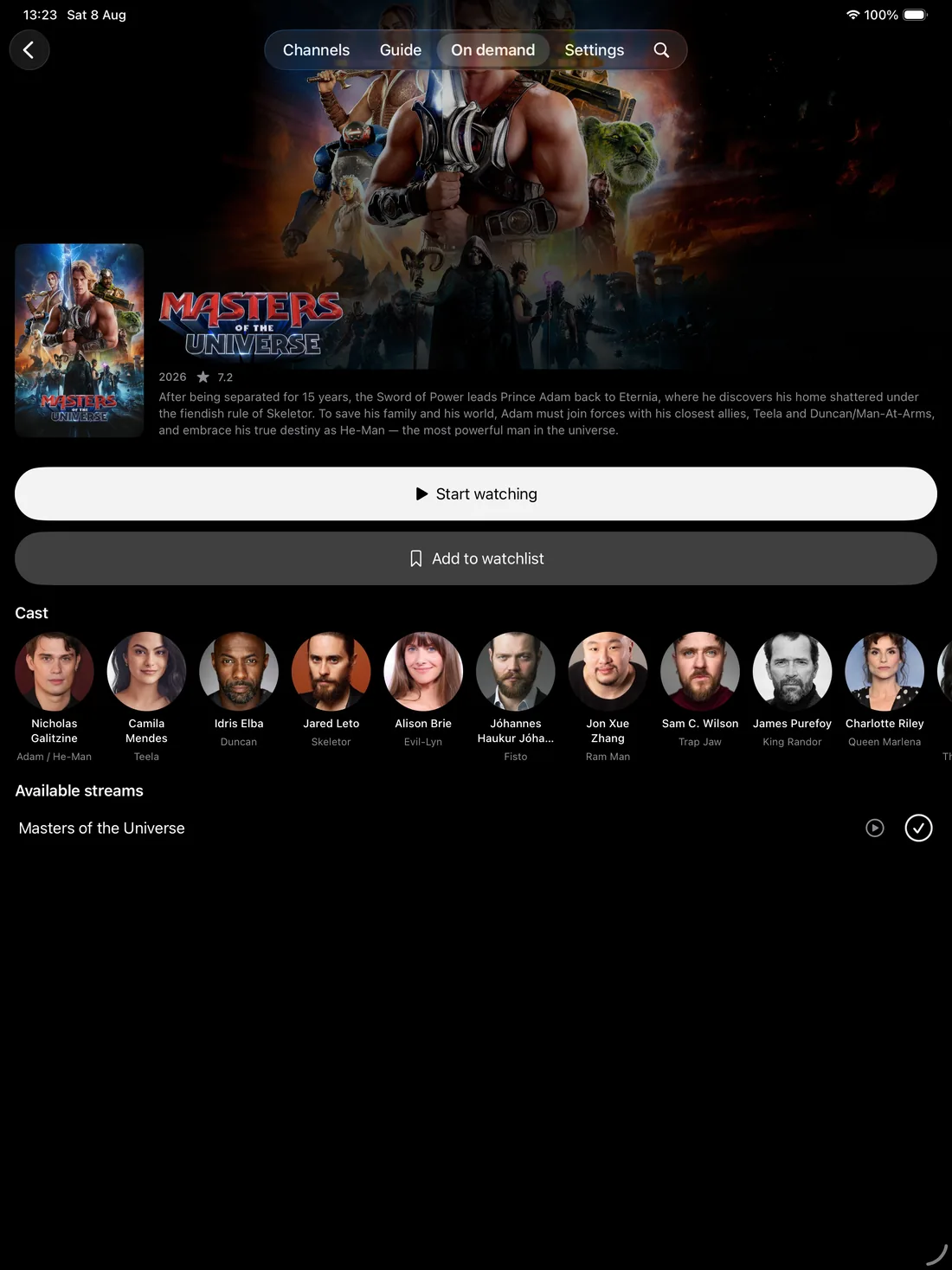
Movie detail
-
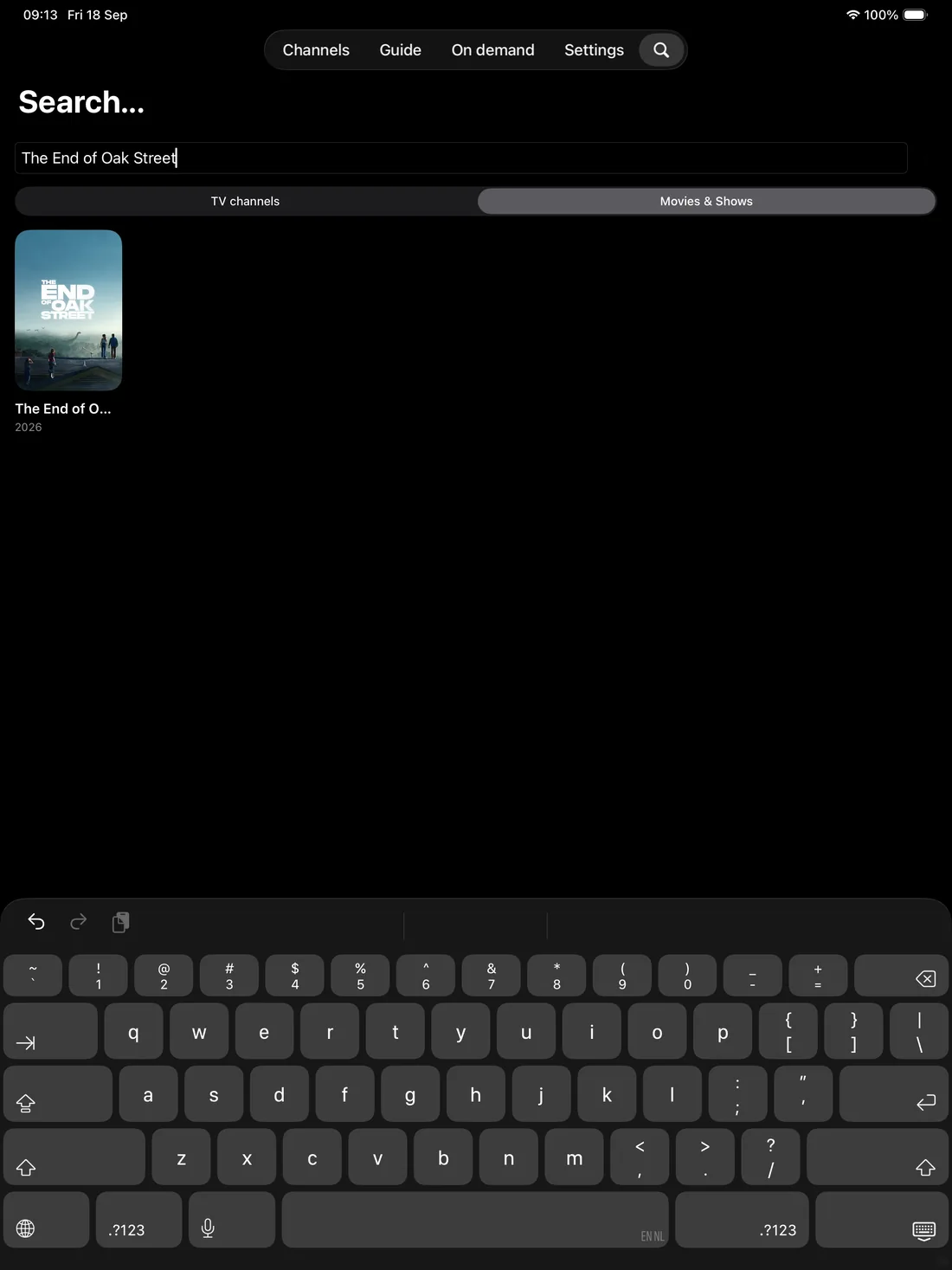
Search
-
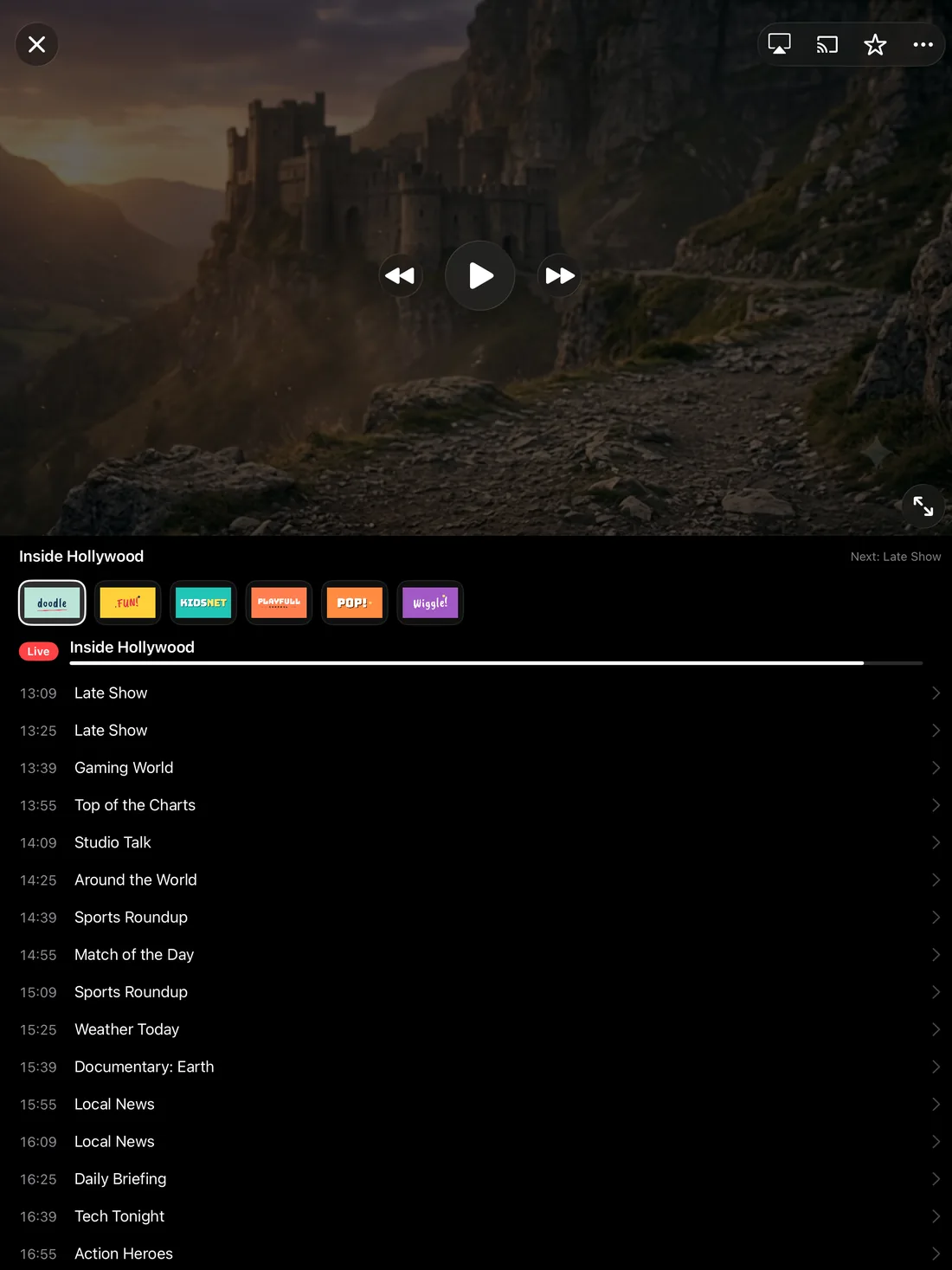
Player
Also on
Questions & Answers
Does Jetpack IPTV support picture-in-picture on iPad?
Yes. Start a channel or a movie, then swipe home or tap the picture-in-picture button, and the player keeps going in a floating window.
Do my iPhone and iPad share a playlist?
You can add the same playlist on both. With Boost, favorites, watch history and playlists sync across your devices automatically.
Does Jetpack IPTV come with channels?
No. Jetpack IPTV is a player only. You add your own M3U or Xtream Codes playlist from a provider you already use, and the app plays what that playlist contains.
Is Jetpack IPTV free?
Yes. Live TV, the program guide, search and TV pairing are free with one playlist. Boost is an optional monthly or yearly subscription that adds favorites, catch-up, recordings, downloads and more playlists.
Get Jetpack IPTV for iPad.
Free to download. Bring your own M3U or Xtream Codes playlist.