
IPTV player
The IPTV player for every screen you own.
Live TV, a real program guide and your movies and series on iPhone, iPad, Mac, Apple TV and Android. Bring your own M3U or Xtream playlist.


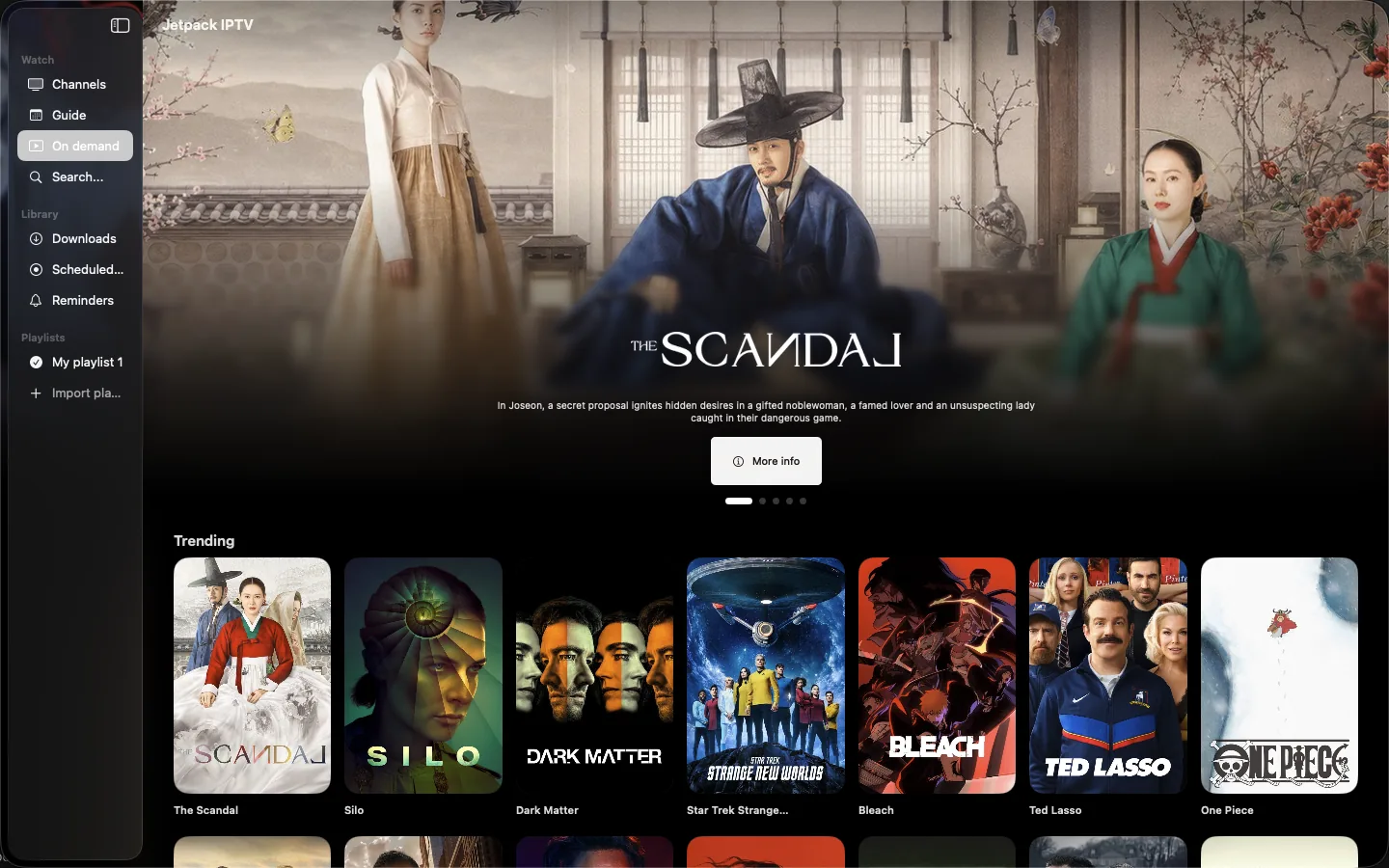
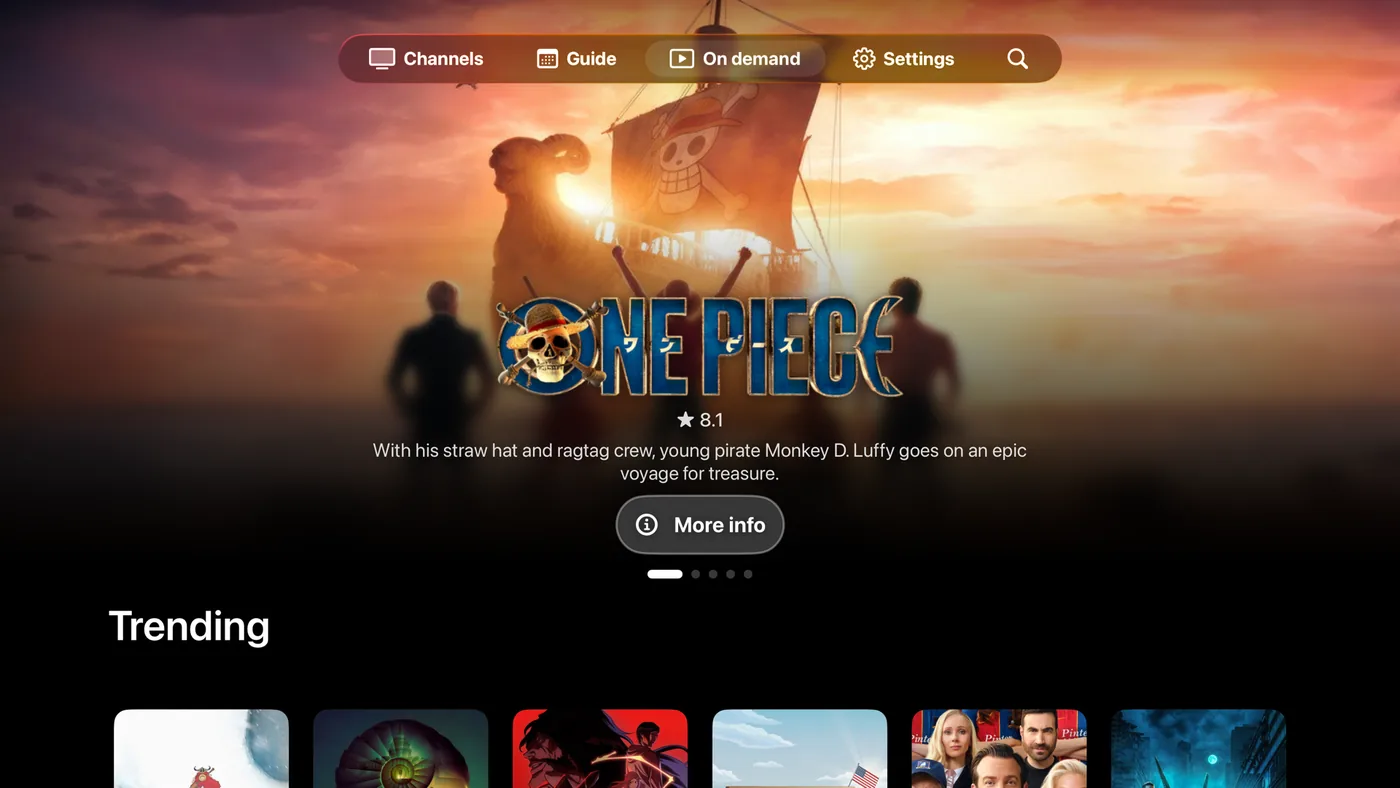
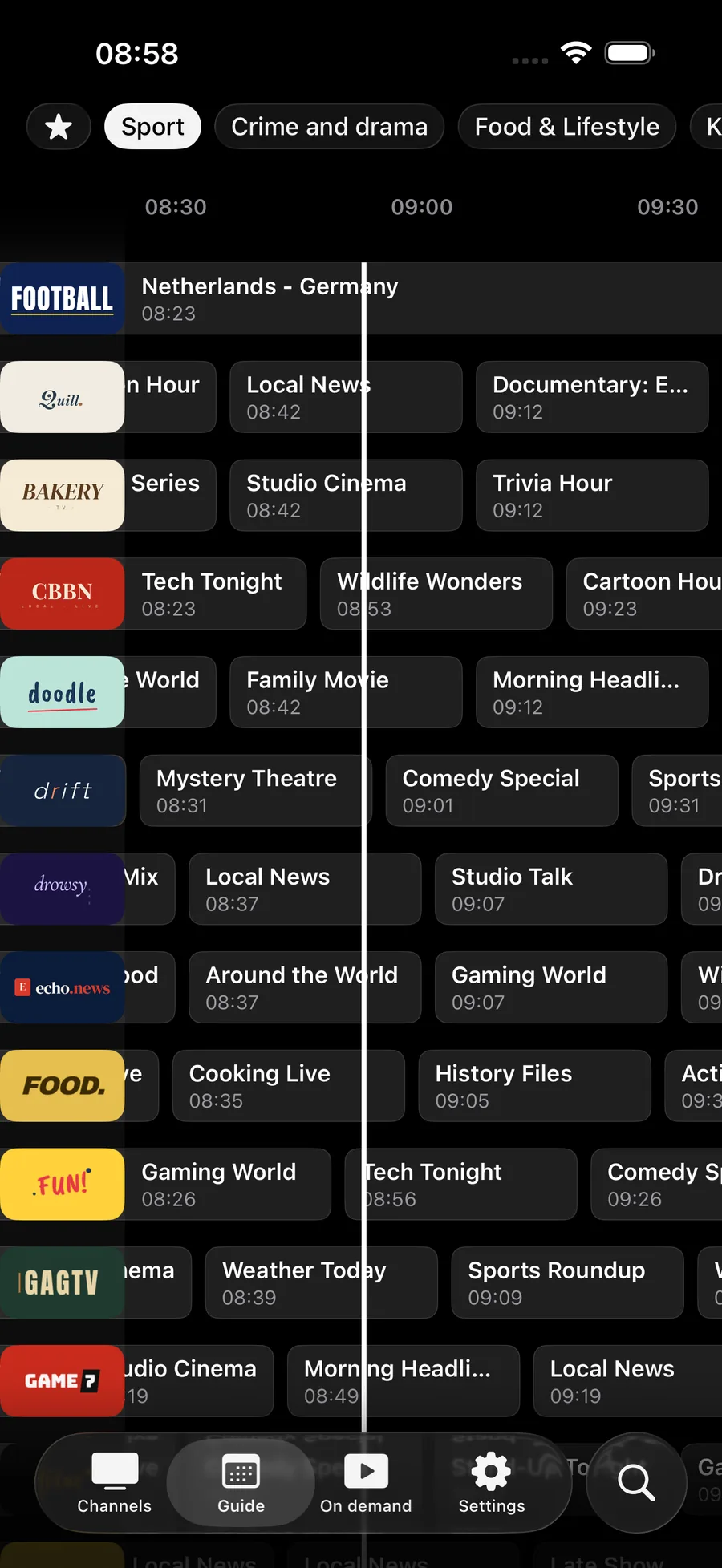
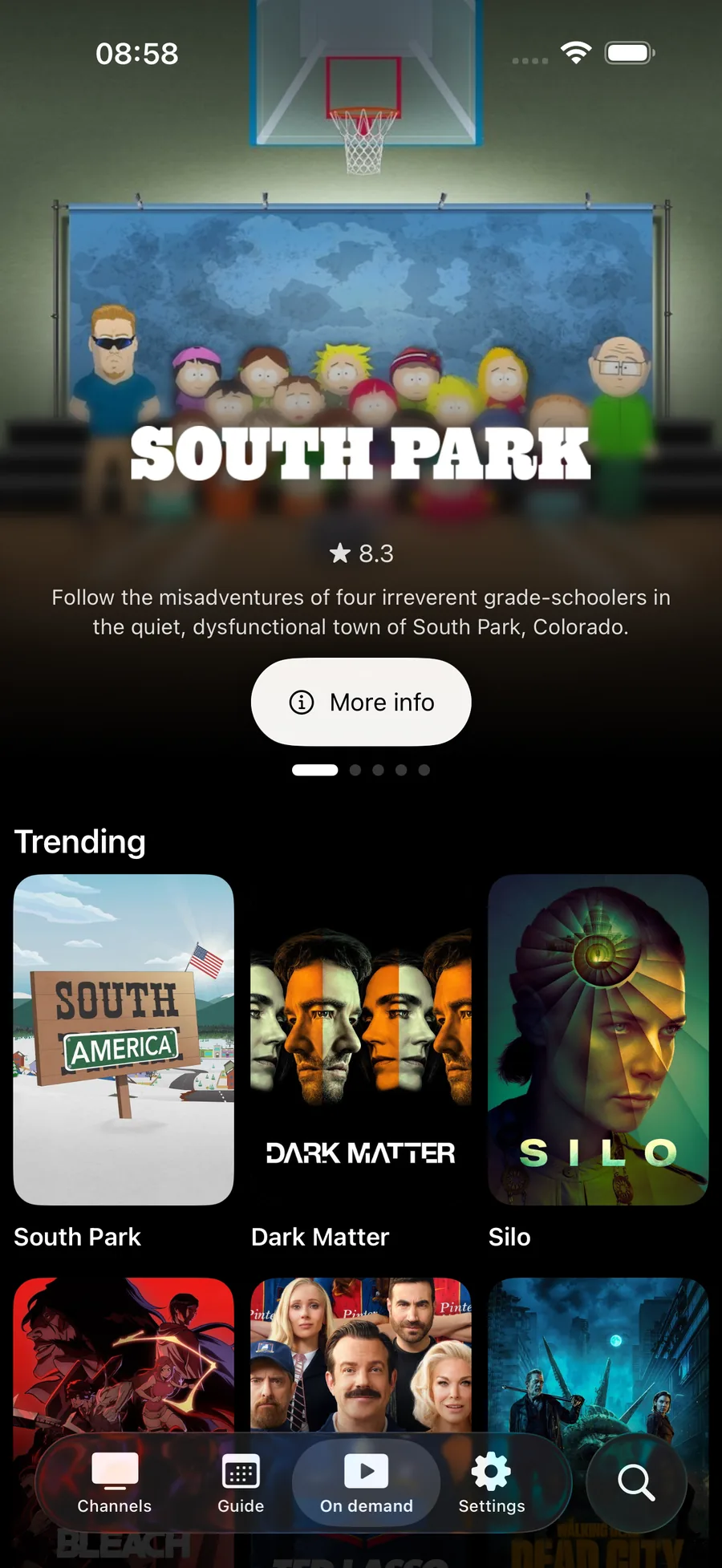
One app. Every screen.
Live TV
Guide first
A real program guide with what's on now and next, and the channel you highlight playing live behind its artwork.
Learn about the guide On demand
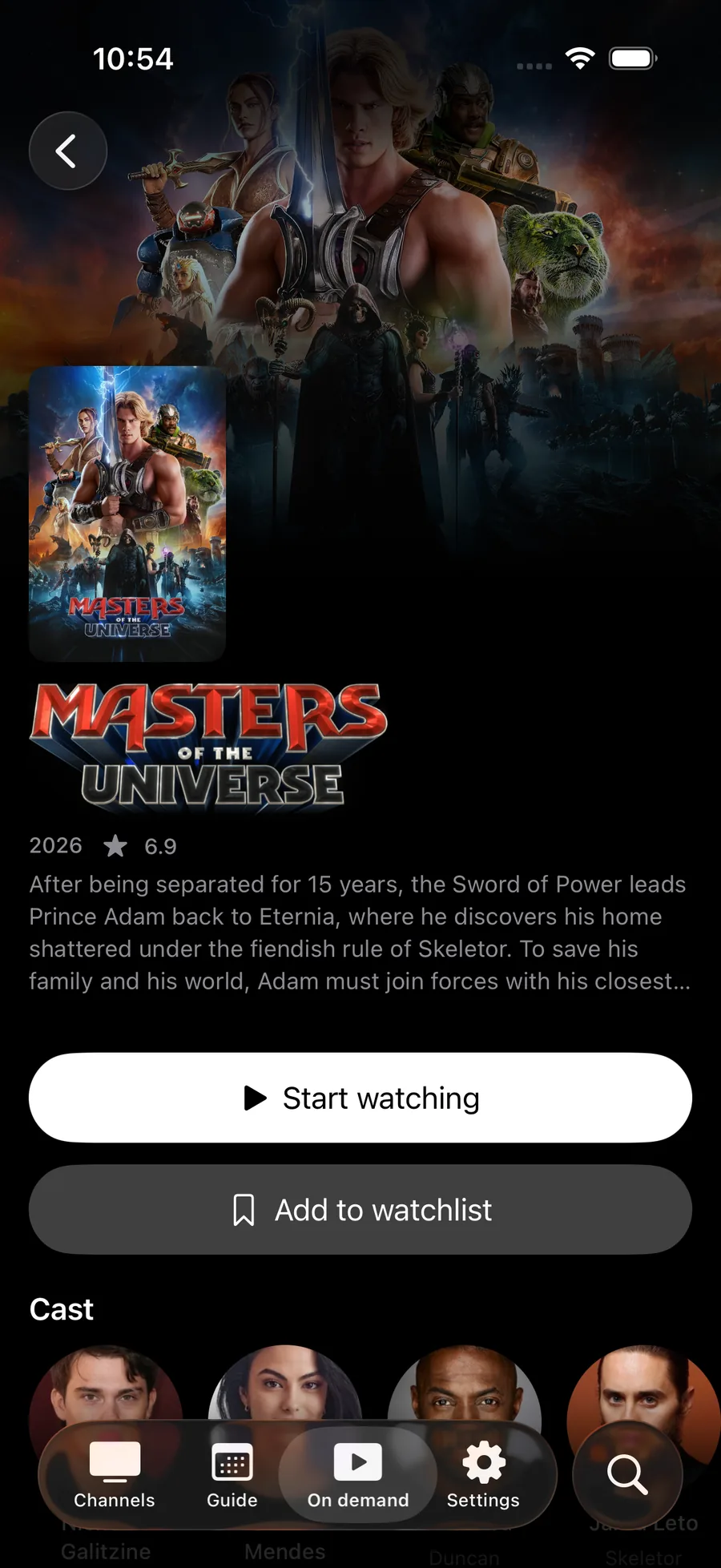
Movies and series, done properly
Detail pages, seasons and episodes, and Keep Watching that remembers the last frame you saw.
Learn about On Demand TV pairing
Pair in seconds
Open Jetpack on your TV, scan the code with any phone, and your playlist is there. No typing with a remote.
Learn about TV pairing
Recordings
Record it. Take it with you. Boost
Schedule recordings from the guide and download movies and episodes to watch offline.
Learn about recordings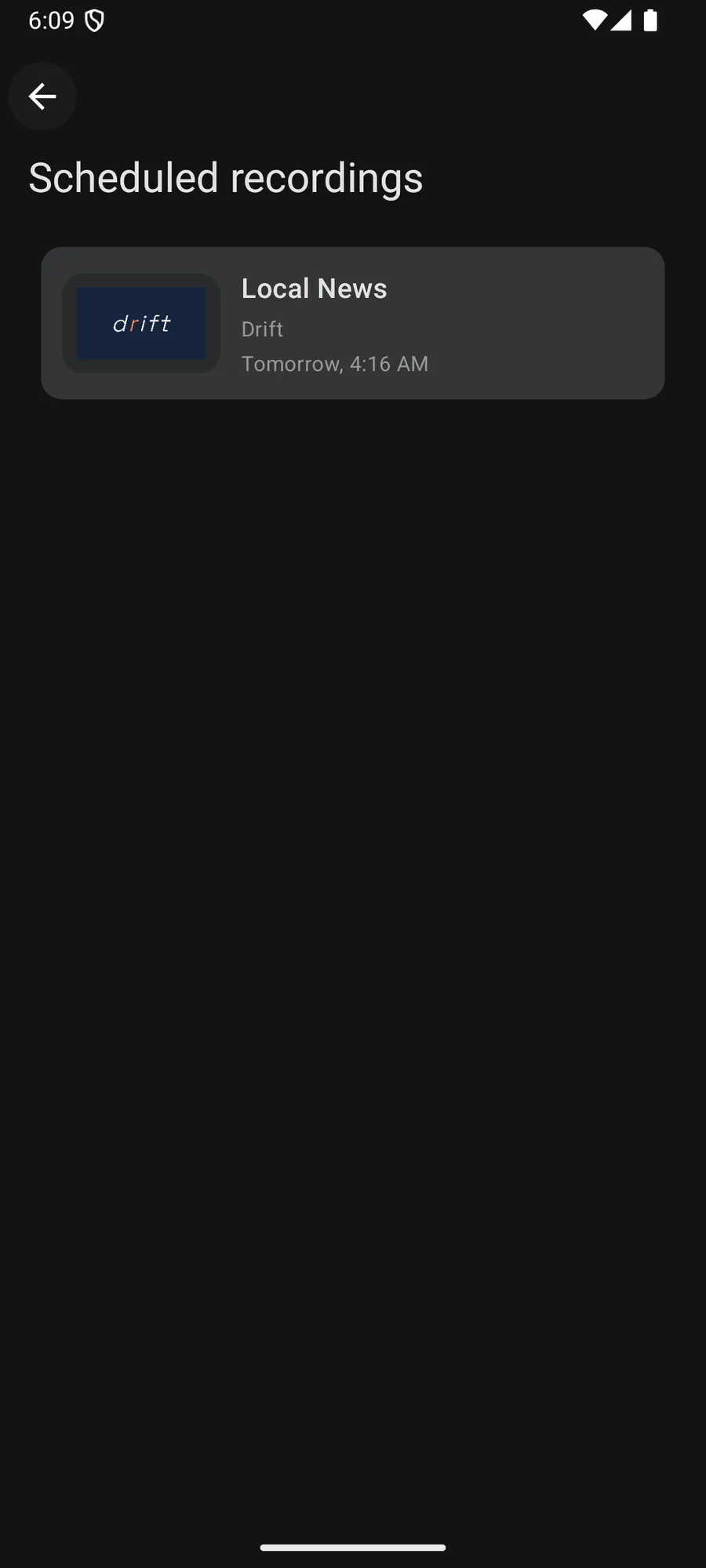
And the rest
The details that make a player feel finished.
-
Search everything
One search across live channels, movies and series.
-
AirPlay and Chromecast
Send what you're watching to the TV in the room.
-
Share your playlist
Invite up to five people. Remove anyone at any time.
-
Catch-up Boost
Scrub back into earlier programs when your provider keeps an archive.
-
Siri and Shortcuts
Play a channel or open the guide by voice on iPhone, iPad and Apple TV.
-
Audio and subtitles Boost
Preferred languages, plus subtitle size, color and background.
Free to start. Boost when you want more.
Live TV, the guide and search are free with one playlist. Boost is a monthly or yearly subscription for recordings, catch-up, favorites and more.
What's new
All release notesQuestions & Answers
Does Jetpack IPTV come with channels or content?
No. Jetpack IPTV is a media player only. It does not provide, sell or endorse any content. You add your own M3U or Xtream Codes playlist from a provider you already use.
What playlist formats does Jetpack IPTV support?
M3U and M3U8 links, and Xtream Codes with a server address, username and password. Add an XMLTV link for the program guide if your M3U provider has one; Xtream playlists usually include the guide.
How do I get my playlist onto my TV?
Open Jetpack IPTV on your Apple TV or Android TV and choose Pair with phone. Scan the QR code, or open jetpack-iptv.com/link on your phone and enter the code on screen.
Is Jetpack IPTV free?
Yes. Live TV, the program guide, search and TV pairing are free with one playlist. Boost is an optional monthly or yearly subscription that adds favorites, catch-up, recordings, downloads, more playlists and sync across devices.
Important note
Jetpack IPTV is a media player only. It does not provide or sell any content or TV channels. To use it, you add your own legal M3U or Xtream Codes playlist.
We do not support or promote illegal streaming. Misuse may violate your local laws. By installing, you agree to take full responsibility for your media usage.
Get started with Jetpack IPTV.
Free to download. Bring your own M3U or Xtream Codes playlist.