
Downloads
Take it with you.
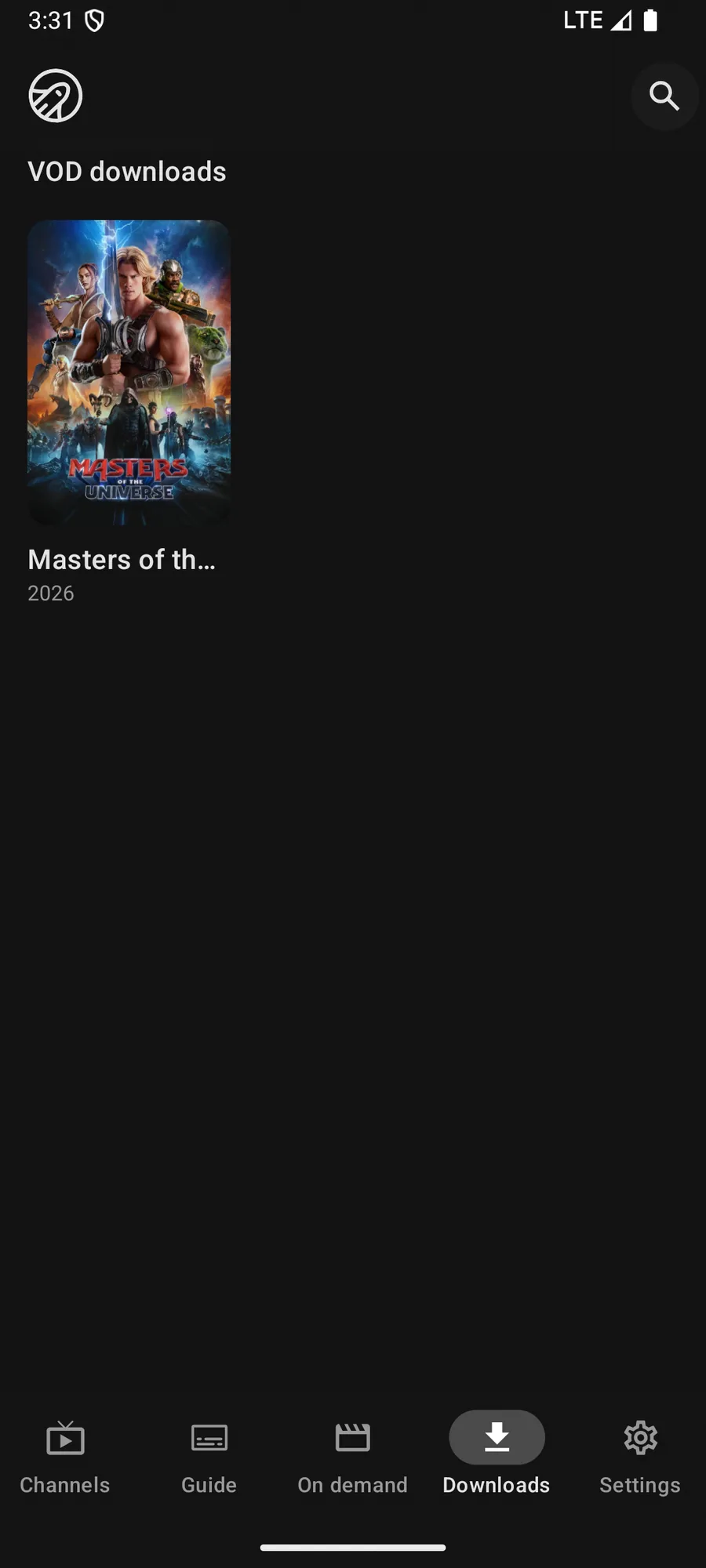
Download movies, episodes and recordings, then watch them with no connection at all. Follow a series and new episodes arrive on their own.


Boost Boost, on every platform.
Works on
Downloads, not streams saved for later
A download in Jetpack IPTV is a real copy on the device. Once it finishes, the app does not touch your provider to play it, so a plane, a train or a hotel with bad Wi-Fi makes no difference.
Movies and episodes come from your On Demand library. Recordings you made from the guide are already on the device, and they play offline too.
Follow a series and stop thinking about it
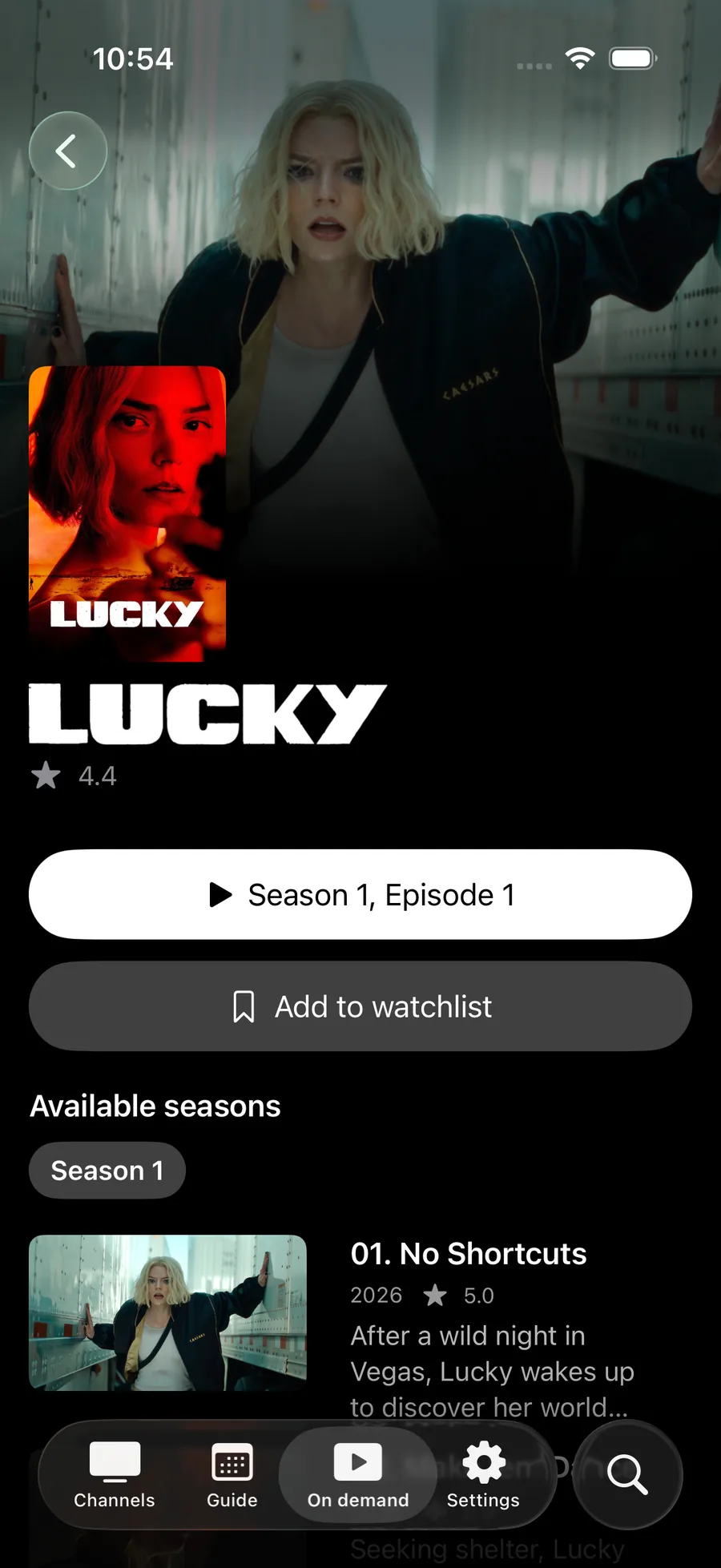
Following a series is the part that saves the most effort. Set it once on the series page, and each new episode your provider adds downloads by itself, ready to watch offline. The app sends one notification when the series is ready rather than one for every episode, and you can turn that off.
When you start following, the app offers to fetch the episodes your playlist already has, so you are not left downloading a season by hand.
Why only one at a time
Every download holds one of your provider's connections while it runs. Running four at once is the fastest way to hit a max connections error on the TV in the other room, so the app queues them and keeps the household inside its limit.
Follow a series Boost
Follow a series and new episodes download themselves, ready offline, with one notification when they land rather than one per episode.
How to set it up
- 1
Open a movie or episode
Go to a title in On Demand, or a finished recording.
- 2
Download it
Start the download. One runs at a time and the rest queue up behind it.
- 3
Watch it anywhere
Downloads play from the Downloads screen with no connection, on a plane or a train.
What it needs, and what it cannot do
- Downloads need Boost.
- One download runs at a time, and each running download uses one of your playlist's streams.
- Downloads are stored on the device that fetched them, and they take up its storage.
- Following a series stays on the device where you set it up, and it pauses if Boost lapses. It picks up again when you subscribe.
Questions & Answers
Can I watch IPTV offline?
You can watch what you have downloaded. Movies, episodes and recordings download to the device and play without a connection. Live channels always need one, because they are live.
How does Follow a series work?
Follow a series on its page, and when your provider adds a new episode the app downloads it in the background and sends one notification when it is ready. You can also ask it to fetch the episodes already in your playlist.
Do downloads count against my provider's connection limit?
Yes, while they run. A download uses a stream the same way playback does, which is why only one runs at a time and why the app tells you when the limit is in the way.
Where do downloads go when Boost ends?
New downloads stop and Follow a series pauses. Subscribe again and it resumes from where it left off.
Get started with Jetpack IPTV.
Free to download. Bring your own M3U or Xtream Codes playlist.